
4K Tokkit Pro for Mac Overview
4K Tokkit is a TikTok downloader for Mac from 4K Download that saves individual videos, entire hashtags, whole accounts, and TikTok Favorites in up to Full HD. The Pro plan removes the free tier's daily download caps and adds a commercial-use permit, useful for social media managers and content teams. Beyond straightforward saving, it can strip TikTok's watermark, download audio-matched clips tied to a specific sound, and switch browsing regions through a built-in proxy to reach region-locked content. It now runs natively on Apple Silicon Macs, and keeps saved captions, avatars, and download history organized in one interface.
Why Choose 4K Tokkit Pro Mac App
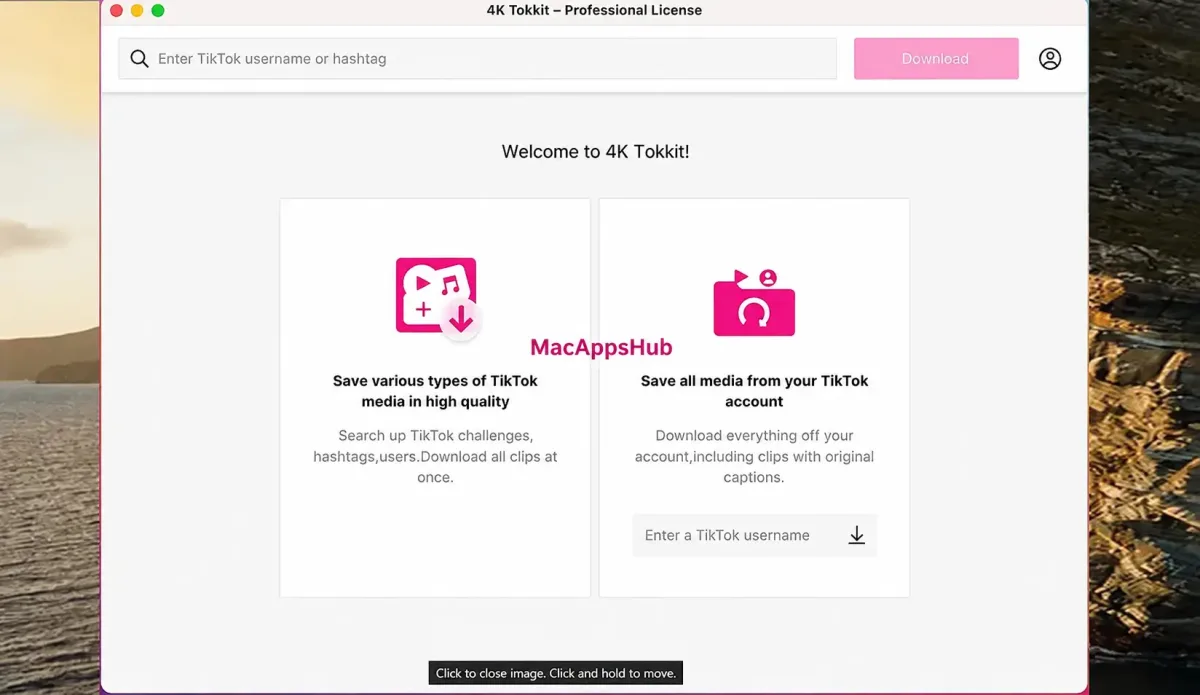
Saving TikTok content usually means bouncing between a browser extension for single clips, a sketchy website for watermark removal, and a manual process for backing up an entire account. 4K Tokkit folds all of that into one search bar. Type a username, paste a hashtag, or drop in a sound link, and it pulls matching videos, avatars, and captions without routing anything through a third-party site first. The Pro tier adds a commercial-use permit on top of the unlimited downloads, which matters for anyone repurposing TikTok content as part of paid client or agency work rather than personal viewing.
The Mac build specifically now runs natively on Apple Silicon, meaning M1, M2, and newer chips process downloads directly instead of translating an Intel-only app through Rosetta. That shows up as quicker launches and a lighter CPU load during long account backups or background subscription checks, the kind of task that used to bog down older Intel-emulated builds. Combined with a macOS 12 baseline that covers most Macs still in active use, it's built to run comfortably whether the machine is a recent M-series model or an older Intel one.
Key Features
- Bulk hashtag downloads: enter any hashtag and pull every matching TikTok video in one batch, useful for tracking a challenge or trend.
- Full account backup: save every post and the profile avatar from a TikTok account by entering just the username.
- Single video downloads: paste a direct link to grab one clip at a time in up to Full HD.
- Favorites downloading: pull bookmarked posts straight from your TikTok Favorites section without opening the app.
- Liked video downloads: save publicly available liked videos from your own account or any account you specify.
- Private account access: download from private accounts you already follow, after granting in-app authorization.
- Sound-matched downloads: paste a link to a TikTok sound and grab every video that uses it.
- Automatic subscriptions: set an account or hashtag to check for new posts and download them without manual re-checking.
- Watermark removal: strip the TikTok logo and username overlay from downloaded videos.
- Caption saving: hover over a downloaded video to view and copy its original caption text.
- Region switching: use the built-in proxy setup to browse and download TikTok content popular in other countries.
- Full HD export: videos save in MP4 format at up to 1080p, the highest resolution TikTok itself supports.
Screenshots
What's New in 4K Tokkit PRO 26.0.0.1090 version
4K Download doesn't publish a separate changelog for every build number, so here's what has shipped across the most recent confirmed updates leading into the current 26.0.0 release:
- Native Apple Silicon support added, so the app runs directly on M1, M2, and newer chips instead of through Intel emulation
- Favorites downloading added, pulling bookmarked TikTok posts straight from the Posts tab
- Download resolution raised to Full HD (1080p), up from the previous 720p ceiling
- Longer cooldown intervals added between subscription checks, cutting down on failed downloads and temporary TikTok-side restrictions
- Broken or unavailable posts now get skipped after 2 minutes instead of stalling the queue for up to 20
- Log files streamlined to use less disk space while keeping the technical detail needed for troubleshooting
These changes stack together, so updating from an older 25.x build brings all of them at once rather than one at a time.
Supported macOS Versions
4K Tokkit requires macOS 12 (Monterey) or later and now ships as a native Apple Silicon build rather than running through Rosetta translation, which means faster launches and lower CPU use on M1, M2, and newer Macs. Intel Macs on a supported macOS version get the same features without that speed advantage. Since the app leans on TikTok's own servers to do the heavy lifting rather than local processing power, even an older Intel Mac handles single-video or small-hashtag downloads without strain. Where the Apple Silicon build helps most is with large account backups or subscriptions running continuously in the background, tasks that keep the CPU busy for longer stretches.
How to Download and Install 4K Tokkit Pro on Mac?
Installing 4K Tokkit Pro on Mac only takes a few steps after downloading, including one quick permission it needs to run properly.
- Click the Download button above to securely download the setup file or you may get from official website.
- Open the downloaded .dmg file, then drag 4K Tokkit into your Applications folder.
- Launch 4K Tokkit from Applications. If macOS shows an "unidentified developer" warning, go to System Settings → Privacy & Security and click Open Anyway.
- Grant network access when prompted, so 4K Tokkit can reach TikTok's servers and fetch the content you request.
- Once permissions are approved, 4K Tokkit opens to its main search window, ready for your first download.
That permission grant is a one-time step. From the next launch onward, 4K Tokkit opens straight into the search bar with no prompts in the way.
How to Use 4K Tokkit Pro Mac App?
- Type a TikTok username, a hashtag starting with #, or paste a video or sound link into the search bar.
- Review the results that load, then select individual videos or choose to grab everything at once.
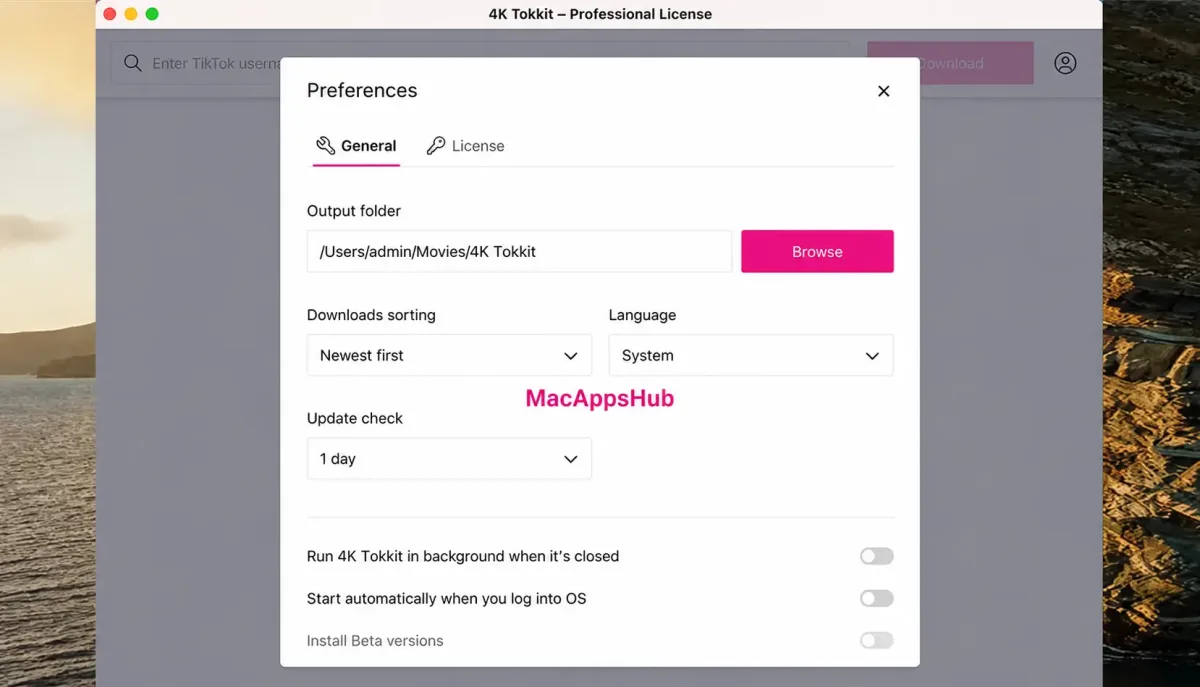
- Adjust download settings if needed, such as save location or the date range for content.
- Click Download to start saving the selected content to your chosen folder.
- Check the in-app download history to confirm what's been saved and catch anything missed.
- Set up a subscription for that account or hashtag if new posts should be pulled automatically going forward.
Alternatives to 4K Tokkit App
yt-dlp: Free, open-source command-line downloader that supports TikTok alongside 1,000+ other sites, with frequent updates that track platform changes closely.
Cobalt: Free, open-source, browser-based downloader that needs no installation and handles TikTok, Instagram, and Reddit links directly from its website.
JDownloader 2: Free, actively maintained desktop downloader that queues and manages bulk downloads from TikTok and many other platforms through plugin support.
Video DownloadHelper: Free browser extension for Firefox and Chrome that detects TikTok videos while browsing, though its free tier adds a small watermark to saved clips.