
Brave Browser Overview
Brave Browser for Mac is a Chromium-based web browser designed for users who value speed, privacy, and security. Unlike traditional browsers, it blocks ads, trackers, third-party cookies, and fingerprinting attempts automatically through Brave Shields, helping pages load faster while protecting your personal data. It also supports Chrome Web Store extensions, Private Window with Tor, Brave Search, and Brave Sync, making it a strong alternative to Google Chrome, Safari, and Microsoft Edge for everyday browsing on macOS.
Key Features
- Built-in ad blocker for faster, cleaner browsing.
- Brave Shields block trackers and third-party cookies.
- Chromium-based with Chrome extension support.
- Private Window with Tor for extra privacy.
- Brave Search offers a privacy-focused search experience.
- Sync bookmarks, passwords, and tabs across devices.
- Built-in password manager for secure logins.
- Automatic HTTPS upgrades for safer browsing.
- Leo AI helps summarize and explain web content.
- Optimized for Intel and Apple Silicon Macs.
- Customize themes, settings, and startup pages.
- Regular updates improve security and performance.
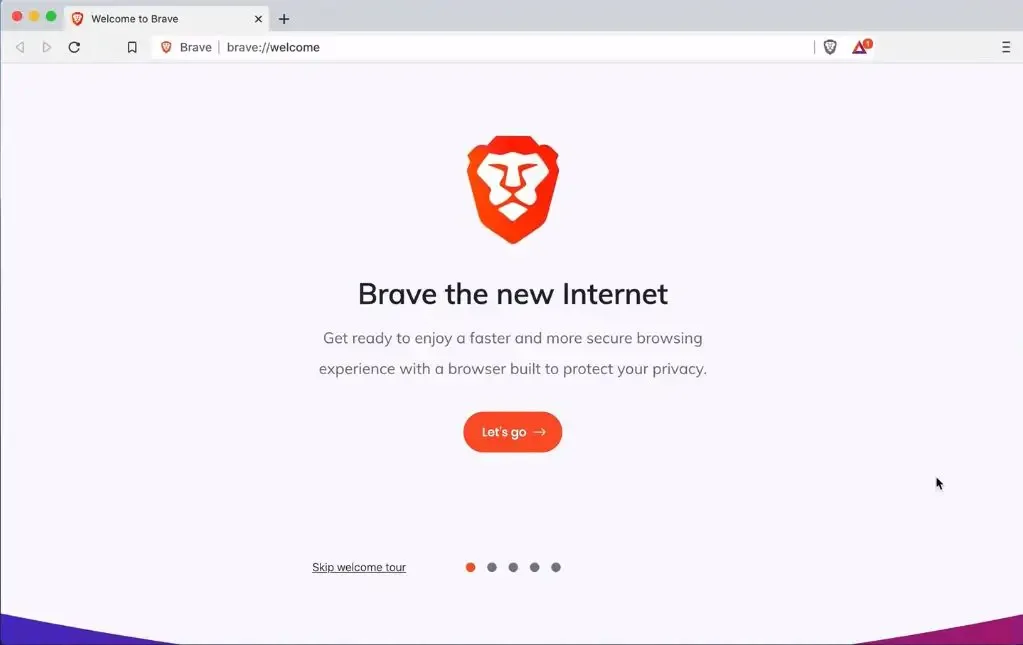
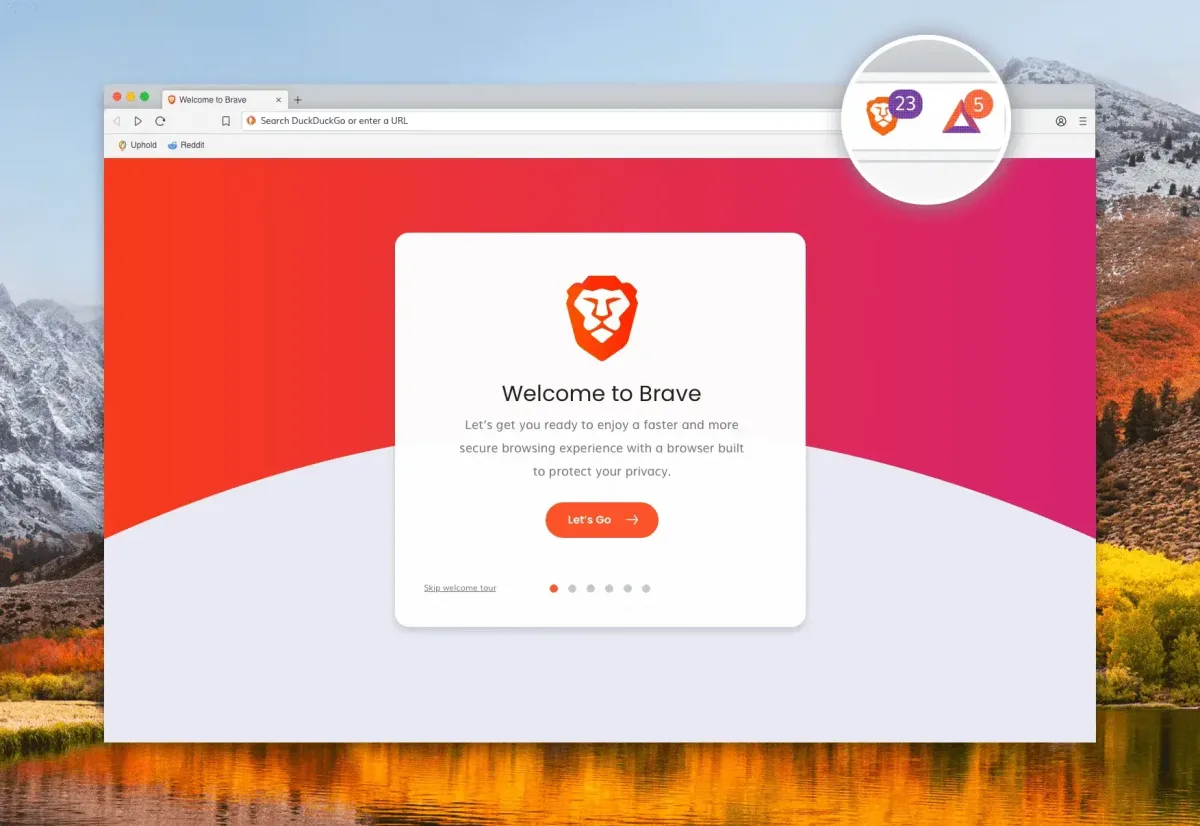
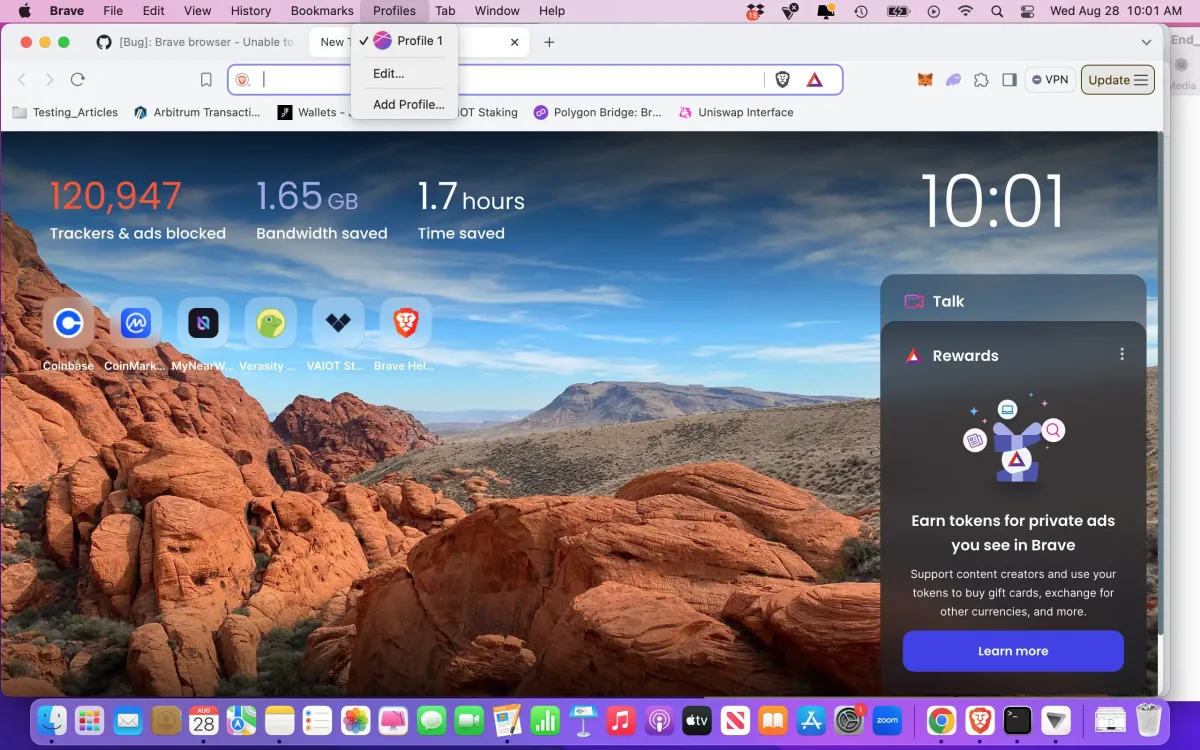
Screenshots
What's New in 153.1.95.104 Version?
Web3:
- Added Zcash Ironwood migration banner. (#58493)
- [Security] Fixed wallet permission list being shown only after page refresh. (#51916)
- Fixed visibility of "Skip" button on the "Backup Wallet" screen when using dark theme. (#58241)
- Fixed spacing for asset loading skeleton on the "Accounts" page. (#57871)
Leo:
- Added the ability to share a Leo conversation. (#56444)
- Added a light box preview of attached images and files. (#45678)
- Improved contrast on certain dialogs when using dark theme. (#58353)
- Increased Bring Your Own Model (BYOM) input limits. (#49577)
- Updated UI on the "Add model" and "Edit model" screens for BYOM. (#57721)
- Updated Leo to transition from full page to side panel views when clicking a conversation link. (#57047)
- Fixed full page screenshot not displaying accurate file size. (#57676)
General:
- Added calculator results to the address bar dropdown when typing basic math expressions. (#52260)
- Added "Always use mini icon for containers" setting under brave://settings/braveContent when "Containers" are enabled. (#56954)
- Added container name to tab hover card. (#56175)
- Added support for temporary containers via command-line switch. (#57993 & #58019)
- Added a keyboard shortcut for "Close all duplicate tabs". (#45199)
- Re-added keyboard shortcut for toggling between vertical and horizontal tabs. (#52874)
- Updated "navigator.userAgentData" to hide Brave UA for certain sites. (#47826)
- Updated the "Customize" modal on the New Tab Page. (#57685)
- Updated .dmg installer backgrounds on macOS. (#58236)
- Disabled platform authentication (Cloud AP) SSO in container tabs. (#57741)
- Fixed padding and widths of tab groups when using vertical tabs. (#58010)
- Fixed improper display of container icons when scrolling the horizontal tab bar. (#57255)
- Fixed "Auto expand vertical tabs independently per window" setting not working on Linux. (#56842)
- Fixed "Edit Password" showing "chrome://" scheme instead of "brave://" for internal page bookmarks. (#40787)
- Upgraded Chromium to 153.0.8010.37. (#58822)
How to Install Brave Browser on Mac?
Getting started with Brave Browser only takes a few minutes.
- Download the latest version of Brave Browser for Mac.
- Open the downloaded .dmg file.
- Drag Brave Browser into the Applications folder.
- Launch the browser from Launchpad or the Applications folder.
- Allow any macOS permissions if prompted.
- Import your bookmarks, passwords, and browsing history from another browser.
- Set Brave as your default browser and start browsing.
After installation, you can customize Brave Shields, enable Brave Sync, install Chrome extensions, choose your preferred search engine, and personalize the browser to match your daily workflow.
How to Use Brave Browser on Mac?
Using Brave Browser for Mac is straightforward, even if you're switching from another browser.
- Open Brave and complete the initial setup.
- Import your browsing data from Chrome, Safari, Firefox, or Edge.
- Browse websites normally while Brave automatically blocks ads and trackers.
- Click the Brave Shields icon to adjust privacy settings for individual websites.
- Sign in to Brave Sync if you want your bookmarks and passwords available on other devices.
- Install useful extensions from the Chrome Web Store whenever you need additional functionality.
- Use Private Window with Tor for sessions that require extra privacy.
Once you're familiar with the browser, explore features like Brave Search, Leo AI, and customizable privacy controls to create a browsing experience that matches your needs without compromising performance.