
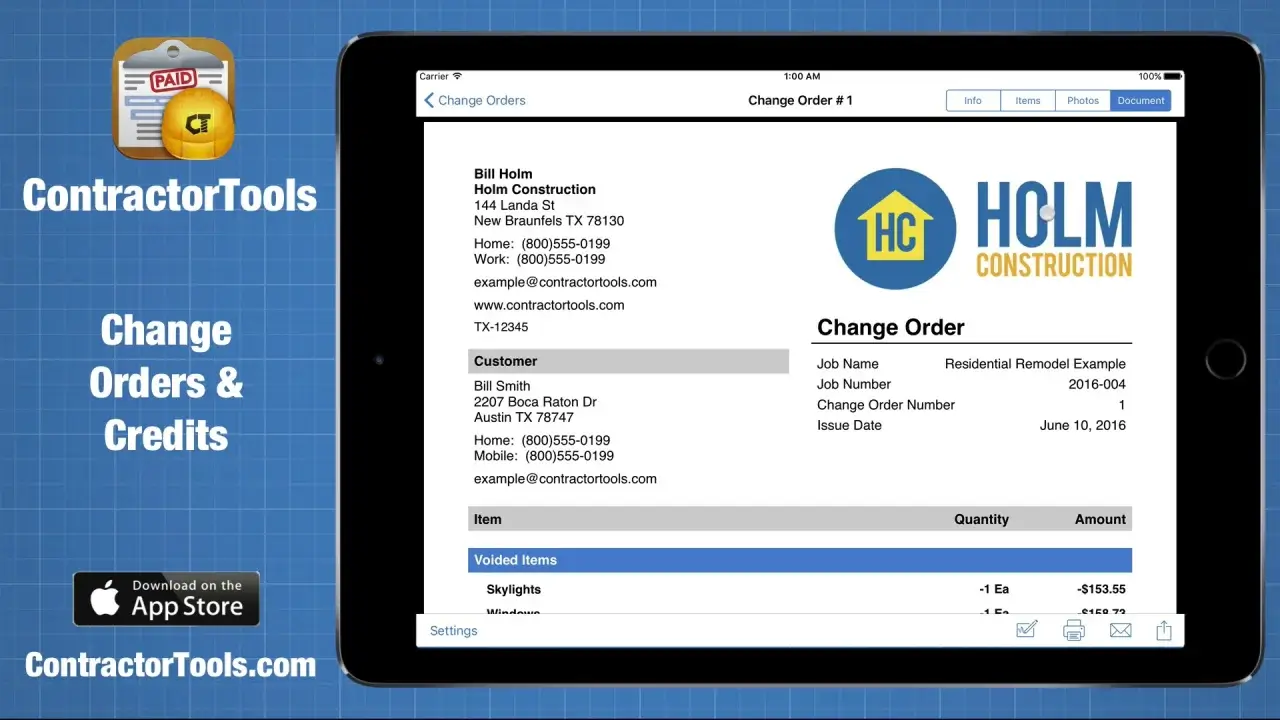
ContractorTools Overview
ContractorTools for Mac is a specialized estimating, invoicing, and job-costing application designed specifically for construction professionals and trade subcontractors. It allows contractors to build detailed cost proposals, generate change orders, and accept client payments directly on macOS. The software features bidirectional synchronization with QuickBooks Online to automate accounting workflows without double entry. By incorporating localized Craftsman Costbooks and direct Home Depot ProXtra inventory pricing, contractors can compile accurate job bids in minutes. Its offline-first architecture ensures full database access on remote job sites, automatically updating cloud data once internet connectivity resumes.
Why Choose ContractorTools
ContractorTools delivers a dedicated macOS interface engineered to handle complex construction estimating without heavy enterprise bloat. Unlike generic accounting tools, it natively supports contractor-specific workflows like draw schedules, retainer credits, and signed PDF change orders. The desktop application scales smoothly across multi-user environments, keeping field estimates aligned with office financial records in real time.
The software runs seamlessly on both Apple Silicon and Intel-based Mac hardware. Native M-series optimization ensures near-instant rendering of extensive 40,000-item cost databases and complex PDF reports. Offline database caching guarantees uninterrupted functionality in basements or distant project locations, making it a reliable daily driver for active field managers.
Key Features
- QuickBooks Online Sync: Automatically posts estimates, invoices, and payments to reduce accounting entries.
- Craftsman Costbook Access: Integrates 40,000 localized material and labor costs based on ZIP or postal codes.
- Home Depot ProXtra Integration: Pulls live local store inventory and pricing directly into line-item estimates.
- Change Order Management: Generates formal scope adjustments with digital client signature capture.
- Draw Schedules & Credits: Handles progress billing, client deposits, and itemized invoice deductions.
- Custom Job Templates: Saves recurring project structures to compile future bids rapidly.
- Multi-Device Synchronization: Keeps macOS desktops in sync with mobile field devices seamlessly.
- Offline Native Operation: Allows complete bid creation without requiring an active internet connection.
What's New in 6.1.0 Version
The v6.1.0 release introduces vital system infrastructure upgrades to prepare for upcoming feature expansions.
- Updated core database schemas for improved cross-platform cloud syncing speed.
- Applied localized Craftsman Costbook quarterly price rate refreshes.
- Enhanced stability when generating multi-page PDF project proposals.
- Fixed minor interface rendering quirks on macOS Sonoma and Sequoia.
- These updates guarantee smoother data transfer and dependable performance when managing large construction project files.
Supported macOS Versions
ContractorTools requires macOS 13.0 (Ventura) or later, fully supporting macOS Sonoma and macOS Sequoia. It runs natively on Apple Silicon chips (M1 through M4 series) and legacy Intel processors without requiring Rosetta translation. A minimum of 4 GB RAM and 100 MB of available storage is required, though 8 GB RAM is recommended when syncing large product catalogs.
How to Install ContractorTools on macOS?
Setting up ContractorTools on your Mac takes just a few steps.
- Download the latest version of ContractorTools for Mac using the download link below.
- Locate and open the downloaded setup file in your Downloads folder.
- Drag the ContractorTools icon into your Applications folder.
- Launch ContractorTools directly from your Applications folder or via Spotlight search.
- Grant any network access or storage permissions macOS requests upon initial startup.
- Sign in with your account credentials or start a free trial to begin generating estimates.
How to Use ContractorTools Mac?
- Launch ContractorTools and configure your business contact details and logo under settings.
- Link your QuickBooks Online account to synchronize chart-of-accounts and customer lists.
- Create a new client profile or import contact details directly from your contacts.
- Start a new estimate and select line items from Craftsman Costbooks or Home Depot catalogs.
- Export the completed proposal to a PDF and send it directly to the customer for approval.
- Convert signed estimates into progress invoices and log client payments as work progresses.