
Postman Overview
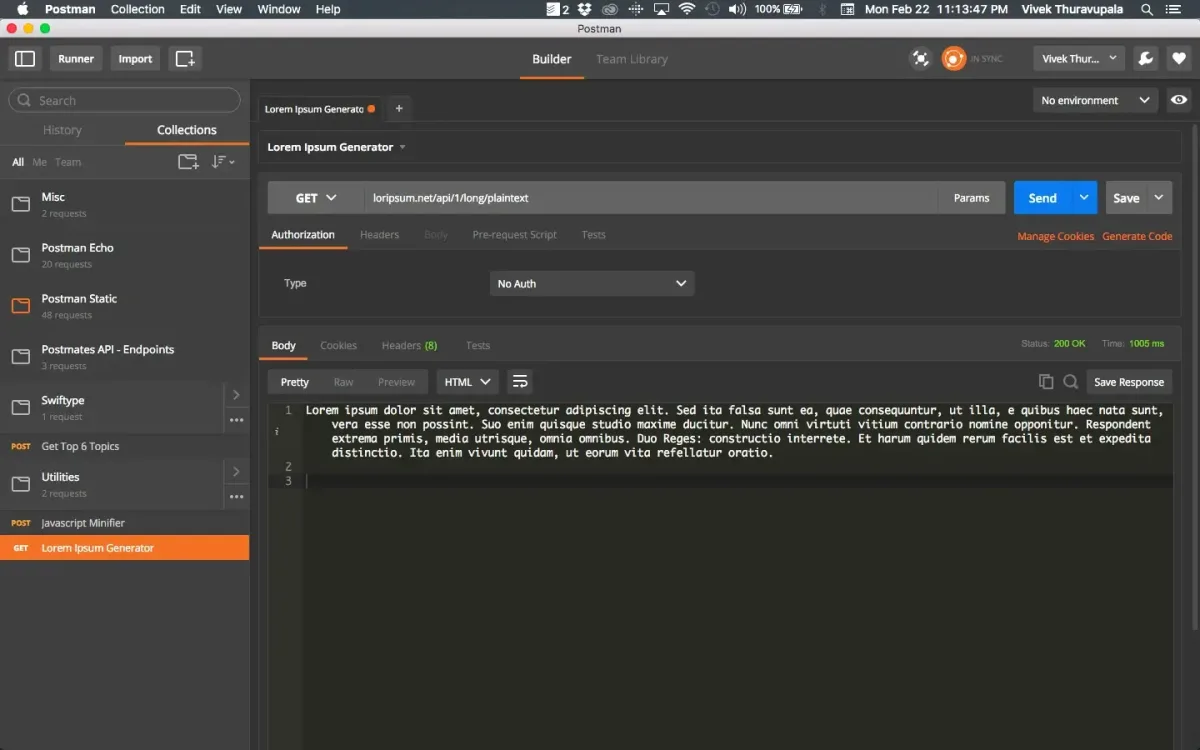
Postman is an API development platform for Mac used to build, test, and document HTTP, GraphQL, and gRPC requests. A visual request builder replaces writing raw curl commands, and requests save into shareable Collections organized by project or endpoint. Environment variables switch a base URL and credentials between development, staging, and production with one click. Automated test scripts run after each request to check responses, and the Collection Runner executes an entire collection in sequence for regression testing. Mock Servers simulate API responses before a real backend exists, and API Monitoring schedules automatic checks on live endpoints. The Mac desktop app specifically adds native Git support, syncing collections straight into version control. A free account covers core request building and testing; paid plans add team collaboration and higher usage limits.
Why Choose Postman Mac App
Testing an API by hand usually means writing curl commands or building a temporary script just to check if an endpoint works. Postman replaces that with a visual request builder. Set the method, headers, and body once, save it as part of a collection, and reuse it every time that endpoint needs checking again, without retyping anything.
A dedicated VS Code extension and a native Git integration mean Postman fits into an existing development setup rather than asking a team to work somewhere entirely new. It runs as a genuine universal binary too, downloadable separately for Apple Silicon or Intel depending on the Mac. For a team already living in Xcode, VS Code, or a terminal-heavy workflow, that combination keeps API work close to the same tools everything else already runs through.
Key Features
- Visual request builder: sets the method, URL, headers, and body for HTTP, GraphQL, or gRPC requests without writing raw code.
- Collections: organizes requests into shareable, versioned folders by project or endpoint.
- Environment variables: switches base URLs and credentials between development, staging, and production with one click.
- Automated testing: runs JavaScript test scripts after each request to check the response automatically.
- Collection Runner: executes every request in a collection in sequence, useful for regression testing.
- Mock Servers: simulates API responses before the real backend exists, for testing ahead of dependencies.
- API Monitoring: schedules automatic checks on live APIs and alerts when something breaks.
- Native Git support: syncs collections directly into version control from the Mac desktop app.
- Postman Flows: builds API-driven workflows visually, without writing code.
- gRPC and GraphQL support: sends and tests requests beyond standard REST and HTTP.
- Team workspaces: collaborates on shared collections and comments in real time.
- Postman Interceptor: captures browser network traffic directly into Postman for inspection.
Screenshots
What's New in Postman 12.28.4 Version
Version 12.28.4, released September 18, 2026, includes critical bug fixes and enhancements. Postman's public release notes are organized by major version rather than a detailed per-build changelog, so the specific fixes in this patch aren't broken out individually. Broadly, the v12 line introduced what Postman calls its AI-native API Platform redesign, including a Unified Workbench for working with collections, specs, environments, and Flows together, Local Flows for building workflows directly inside an IDE, and Local Mock Servers for simulating API responses before a real backend exists.
Supported macOS Versions
Postman requires macOS 11.0 or later and installs as a universal binary, with separate downloads available for Apple Silicon and Intel Macs. Given the scope of what Postman does, sending requests, running test scripts, executing mock servers, and syncing collections, a Mac with more RAM and a faster processor handles large collections and heavier automated test runs noticeably better than one running near the bare minimum. Network speed also matters more here than on most Mac utilities, since much of what Postman does depends on communicating with remote APIs and Postman's own cloud services.
How to Download and Install Postman Mac?
Postman is also available through the Postman CLI, a VS Code extension, and a web-based version. Installing the desktop app directly only takes a few steps.
- Click the Download button above, and choose the version matching your Mac's chip if prompted.
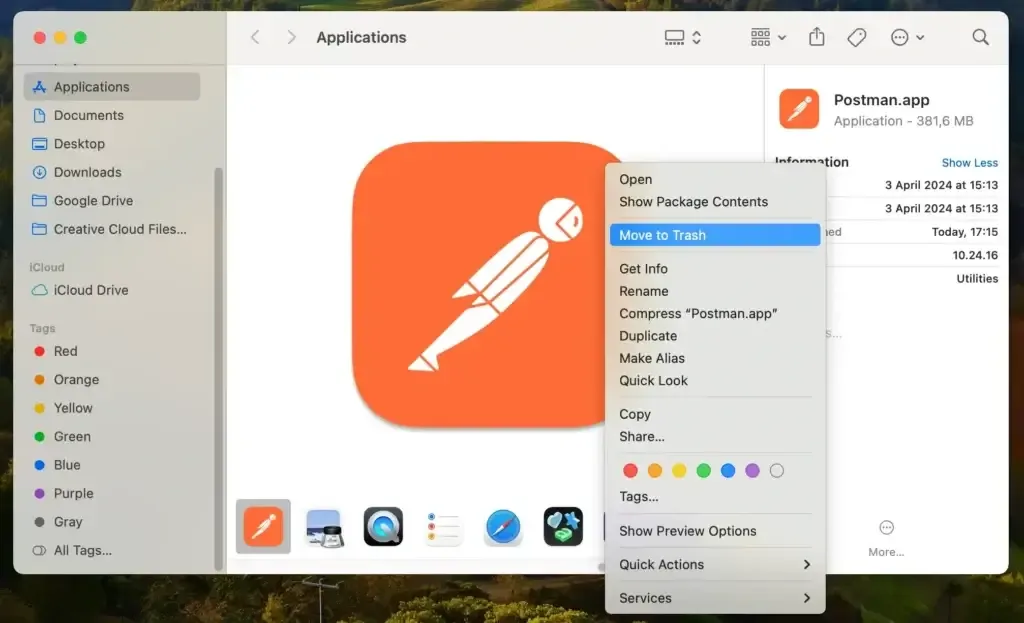
- Open the downloaded file, then drag Postman into your Applications folder.
- Launch Postman from Applications. If macOS shows an "unidentified developer" warning, go to System Settings → Privacy & Security and click Open Anyway.
- Sign up for a free Postman account, or sign in if one already exists, since an account is required to use the app.
The free plan covers the core request builder, collections, and basic testing tools. Paid plans add higher usage limits and team collaboration features.
How to Use Postman Mac App?
- Click New, then Request, to build an HTTP request with a method, URL, headers, and body.
- Click Send to run the request and view the response directly in the app.
- Save the request into a Collection so it can be reused or shared later.
- Add a test script under the Tests tab to automatically check the response after each run.
- Use the Collection Runner to execute every request in a collection in sequence.
- Set up an Environment to quickly switch variables, like a base URL, between development and production.
Alternatives to Postman
Insomnia: Free API client for Mac with a request builder, environments, and plugin support, built on open-source roots.
Bruno: Free, open source, offline-first API client that stores collections as plain text files for direct Git integration.