WindowMizer Overview
WindowMizer is a window-shading utility for Mac from RGB World, Inc. Double-click a window's title bar, and the window rolls up like an old-style window shade, leaving just the title bar visible on screen. Double-click that same title bar again, and the window unrolls right back to where it was. Nothing gets sent to the Dock or buried among other icons. It works on single or multiple monitors, making it useful for anyone managing a busy desktop with several apps open at once. The current version is built specifically for Apple Silicon, compiled against the latest macOS release. Licensing recently moved away from a subscription model to major-version licenses, so a purchase covers every update within that version line. A 14-day free trial runs fully functional before a license is required.
Why Choose WindowMizer Mac App
Minimizing a window sends it to the Dock, where it disappears into a row of icons until you go hunting for it. WindowMizer skips that step entirely. A quick double-click shrinks a window down to just its title bar, right where it already sits on screen. The same double-click brings it straight back to full size a moment later. Nothing gets buried anywhere.
The current version is built specifically for Apple Silicon, compiled with current development tools against the newest macOS release. Licensing changed recently too. Subscriptions have been discontinued in favor of major-version licenses, so a WindowMizer 6 purchase includes free updates for the entire 6.x line. Only the eventual jump to version 7 will require a new purchase.
Key Features
- Window shading: double-clicks a title bar to roll a window up, and double-clicks it again to restore the window instantly.
- Placeholder title bar: leaves a window's title bar visible and in its original position while the window is rolled up.
- Multi-monitor support: works the same way across single or multiple displays.
- Major-version licensing: one purchase covers every update released within that major version, with no recurring fee.
- Multi-Mac activation: a single license activates on up to 3 computers.
- 14-day free trial: runs fully functional before a purchase is required.
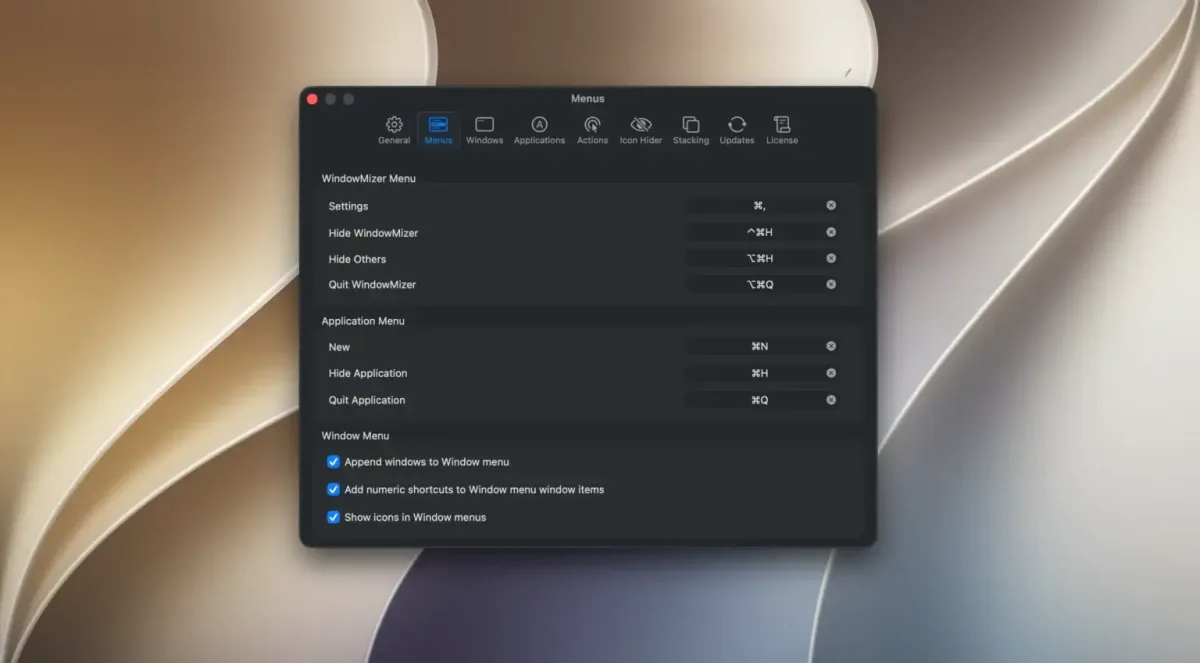
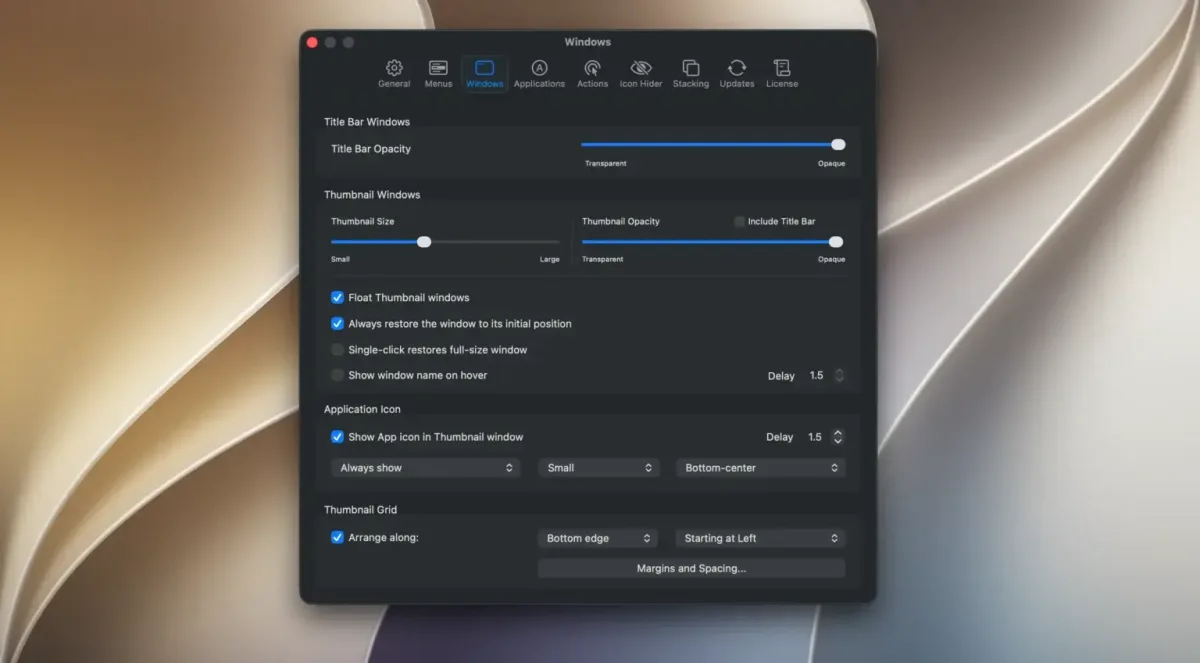
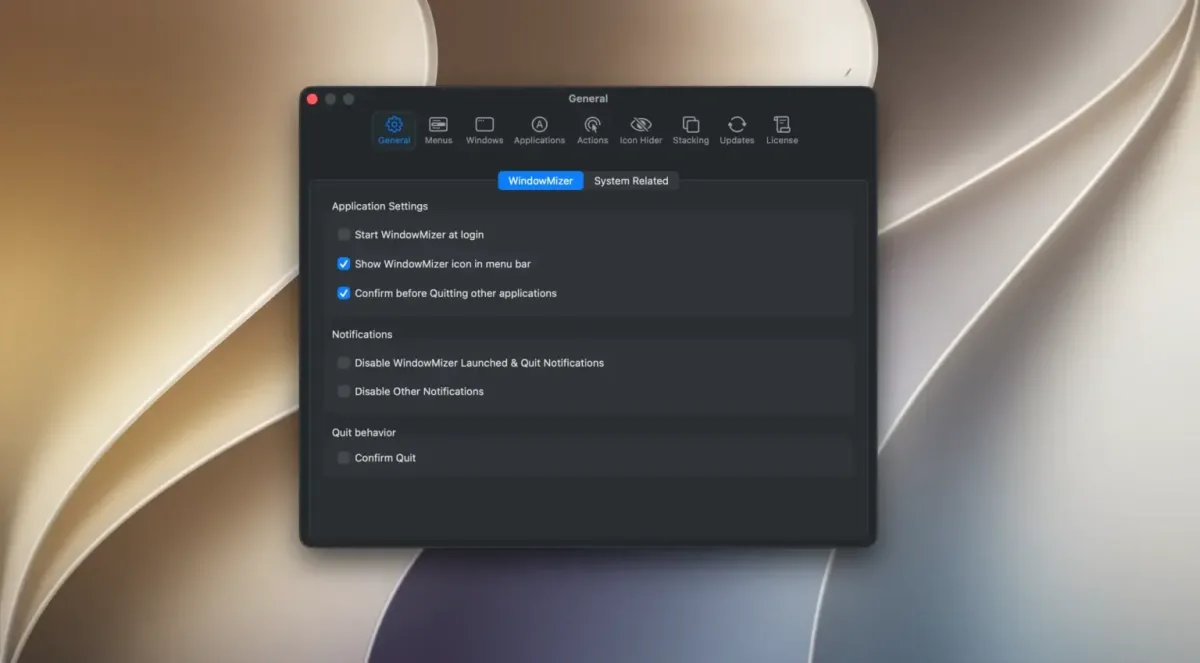
Screenshots
What's New in WindowMizer 6.2.7 Version
Version 6.2.7, released August 20, 2026, is a bug-fix update:
- Fixed a crash affecting the Window menu or Dock menu when a window's title couldn't be read
- Fixed window list sorting failures that occurred when some windows had no title
- Fixed rolled-up windows incorrectly appearing in Dark Mode after a restart, even when the Mac itself was set to Light mode
- The developer recommends this update for everyone currently running WindowMizer 6.x.
Supported macOS Versions
WindowMizer 6 requires macOS 15.3 (Sequoia) or higher, and the current build is listed as Apple Silicon only. Anyone still on an Intel Mac, or an older macOS version, has another option. WindowMizer 4 remains available as a free, unsupported legacy release for those systems. This current version was built with Xcode 27 and Swift 5 against macOS Golden Gate, reflecting active, current development rather than an app coasting on an old codebase. Window shading itself is a simple, low-overhead task. Hardware speed makes little difference once a Mac meets the minimum requirement.
How to Download and Install WindowMizer Mac?
Installing WindowMizer on Mac only takes a few steps after downloading.
- Click the Download button above to safely download the setup file.
- Open the downloaded file, then drag WindowMizer into your Applications folder.
- Launch WindowMizer from Applications. If macOS shows an "unidentified developer" warning, go to System Settings → Privacy & Security and click Open Anyway.
Connect to the internet when prompted, since activation and the trial period both require it.
WindowMizer runs fully functional for 14 days. After that, a license needs to be purchased and activated to keep using it.
How to Use WindowMizer Mac App?
- Double-click any window's title bar to roll it up into a shade.
- Double-click the same title bar again to unroll the window back to its original size and position.
- Move a rolled-up title bar anywhere on screen if it's in the way.
- Repeat across as many windows as needed to keep a busy desktop organized.
- Open WindowMizer's settings to adjust how it behaves across multiple displays, if needed.
Alternatives to WindowMizer
Rectangle: Free, open source window management tool for Mac that snaps and resizes windows with keyboard shortcuts, though it doesn't shade windows into their title bar.
Amethyst: Free, open source tiling window manager for Mac with configurable shortcuts and multi-monitor support, taking a different approach to reducing desktop clutter.