FotoMagico for Mac Overview
FotoMagico is a slideshow maker for Mac from Boinx Software. It combines photos, videos, music, and animated maps into one layered project. Storyboard mode handles quick arranging, while Timeline mode fine-tunes transitions, animations, and up to 6 stacked layers per slide. Finished shows play instantly at full resolution, with no rendering wait. AI-assisted pan and zoom, beat-synced audio markers, and background removal add professional touches without manual keyframing. One subscription unlocks both the Mac and iPad apps, and projects sync between them over iCloud Drive.
Why Choose FotoMagico Mac App
A basic slideshow tool just fades from one photo to the next and calls it done. FotoMagico adds a layer of automated polish that most competitors skip. AI-assisted pan and zoom studies each image before animating it. One click removes a background. An Audio Marker Assistant finds a song's beat and times slide changes to it, on its own. The result looks hand-edited, without the hours that normally takes.
Since version 6, FotoMagico ties its Mac and iPad apps together under one subscription. Projects sync over iCloud Drive, so a slideshow started on a desktop can be finished or presented straight from an iPad. The Mac build runs on Apple's Metal graphics framework, along with Swift and SwiftUI. Recent updates even refined the interface specifically for macOS 26 Tahoe. For anyone working across both a Mac and an iPad regularly, that shared subscription and sync save the trouble of paying for two separate apps.
Key Features
- AI-assisted pan and zoom: analyzes each image to generate natural-looking Ken Burns-style animation on its own. Manual fine-tuning is still there if you want it.
- Animated Map Assistant: plots travel routes with multiple styles and icons per route. Waypoints are unlimited, great for a trip slideshow.
- Storyboard and Timeline modes: arrange slides fast in Storyboard, then switch to Timeline for precise control over transitions and animation curves.
- Up to 6 layers per slide: stack photos, videos, and titles with masks for compositing effects beyond a single flat image.
- Instant full-resolution playback: slideshows play back immediately at full quality, skipping the render-and-wait step common in video editors.
- Media Browser integration: pulls directly from Apple Photos, Lightroom Classic, iCloud, Google Drive, Dropbox, and local folders in one place.
- Audio Marker Assistant: detects the beat in a music track and places markers automatically, syncing slide transitions to the rhythm.
- Included Snippets library: music, titles, frames, and story templates ship as part of the subscription rather than separate purchases.
- One-click background removal: swaps or removes an image layer's background without a separate photo editor.
- Custom and preset resolutions: export in 4K UHD, 8K, or platform-specific presets for Instagram Stories, Square, and both landscape and portrait formats.
- Multi-format export: save finished slideshows in HEVC, H.264, or ProRes422/422HQ/444 for editing further in other apps.
- FotoMagico Remote app: control playback and view a teleprompter of slide notes from an iPhone or Android device during a live presentation.
Screenshots
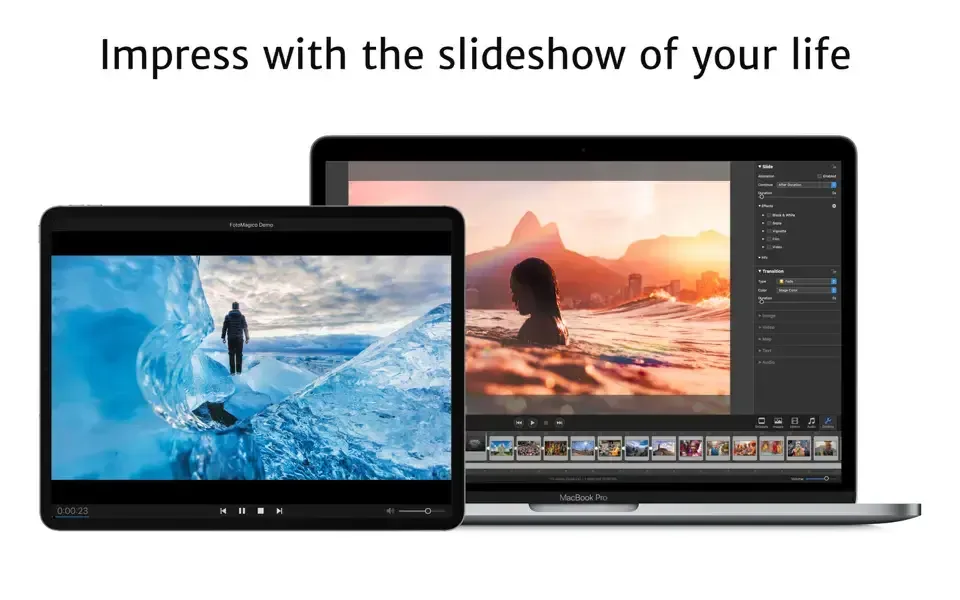
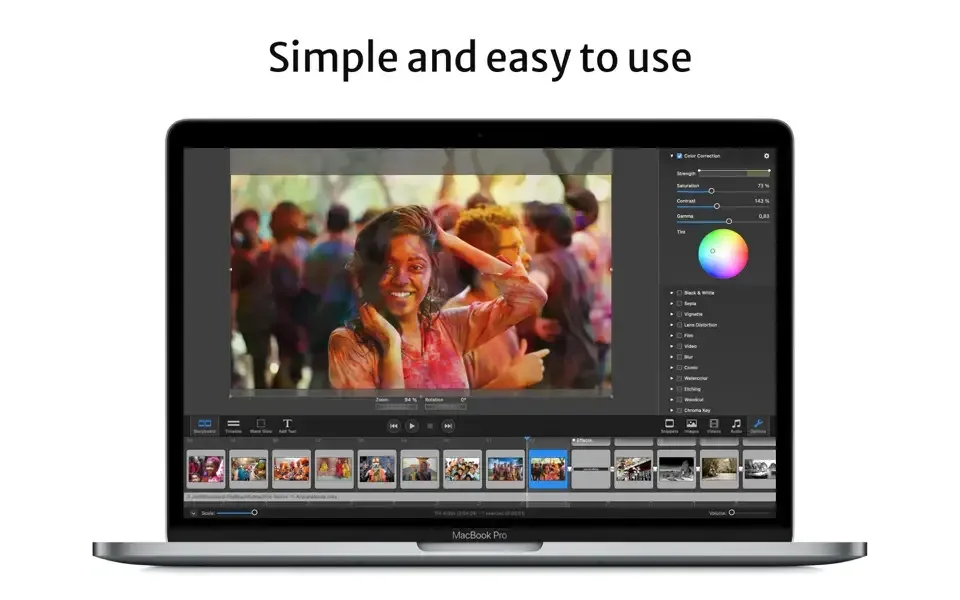
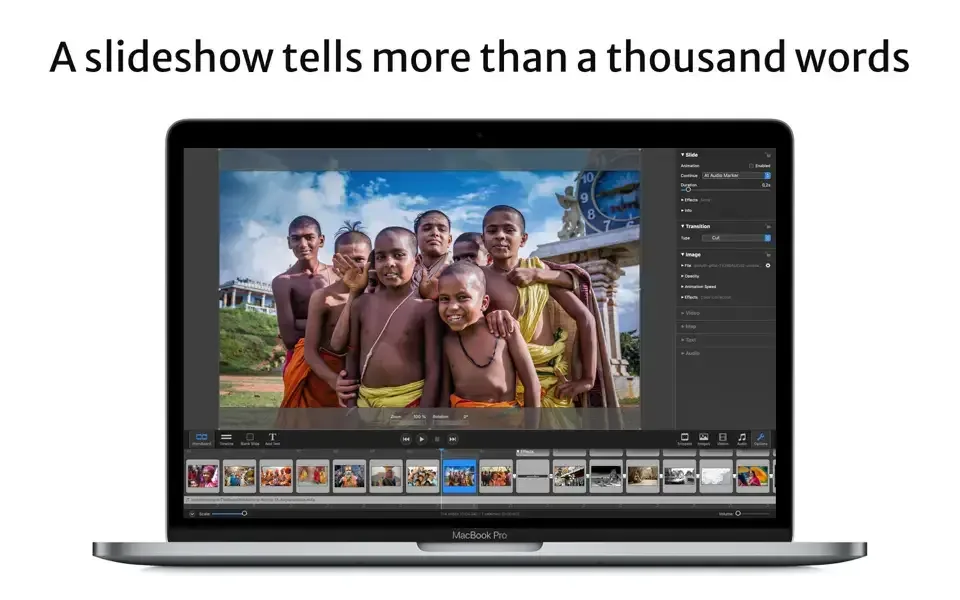
What's New in FotoMagico 6.10 Version
Version 6.10, released in September 2026, is a stability-focused update:
- FotoMagico is compatible with macOS 27 Golden Gate.
- Support for the following older versions of macOS has been dropped: macOS 10.15 Catalina, macOS 11 Big Sur, macOS 12 Monterey, macOS 13 Ventura.
- Fixed a crashing bug when quitting the app.
- Sharing a slideshow now produces exactly the same audio volume as during live playback.
- Sharing a slideshow variant (A, B, C) no longer loses text layers in the exported video file.
- Estimating file size in the Sharing Assistant is now more accurate.
- Using NTSC frame rates in the Sharing Assistant is now more reliable.
- Copy/pasting a layer on the Stage and then applying an effect (e.g. Blur) to one layer now works correctly. The other layer no longer gets the same effect applied.
- When using the Custom Sharing option, unsupported settings combinations (e.g. mono audio, mov files with MP3 audio codec) no longer cause a crash.
- When Sharing fails, the error now provides a clear description with advice about avoiding the issue.
- Full Save no longer freezes up while the media browser is visible.
- FotoMagico no longer crashes when using the Remote App, if the Mac host name contains unusual characters.
- Using the Animation Assistant is now more reliable.
- Using snippets with chapters is now more robust.
- Styling text layers with the controls in Text Options is now more reliable.
- Picking the correct translation for the LOCALIZED text token is now more robust.
- Image metadata readout is now more robust when using text layer tokens.
- Image and audio credits are now more consistent and reliable.
- Timecode formatting and entry is now more reliable.
- Photos with a vertically mirrored image orientation are no longer displayed upside down.
- Transitions with a duration of 0 seconds no longer cause visual glitches.
- Playback is now more robust with unusual or damaged audio files.
- If downloading a LUT file for the LUT effect fails, a clear error message is now displayed.
- Snippets now match the stage aspect ratio more reliably for unusual stage sizes (e.g. 854x480).
- Some controls in the Map Assistant are now properly localized.
- Various stability improvements.
Supported macOS Versions
FotoMagico needs macOS 10.15.2 at minimum. Boinx recommends macOS 11.6 or later to get the most from its rendering features. The app runs as a universal build on both Apple Silicon and Intel Macs. It's built on Apple's Metal graphics framework, along with Swift and SwiftUI, and recent updates specifically refined the interface for macOS 26 Tahoe. Pan and zoom animation, AI image analysis, and instant full-resolution playback all lean on GPU power, so a Mac at the recommended tier, with 512MB VRAM or more, shows a visible difference on 4K or 8K projects. A Mac at the bare minimum spec will still run FotoMagico fine. Very large slideshows there may just need a moment to render instead of previewing instantly.
How to Download and Install FotoMagico on Mac?
FotoMagico is also available on the Mac App Store, but installing the direct download version only takes a few steps.
- Click the Download button above. You may briefly land on our file host's page before the download begins.
- Open the downloaded file, then follow the installer prompts to move FotoMagico into your Applications folder.
- Launch FotoMagico from Applications. If macOS shows an "unidentified developer" warning, go to System Settings → Privacy & Security and click Open Anyway.
- Grant access to Photos and any folders you plan to import from. This lets FotoMagico's media browser display your images and videos.
- Sign in with a Boinx account or an existing FotoMagico license email to start the 14-day free trial.
Once signed in, FotoMagico opens to its Storyboard view and won't ask for these permissions again on future launches.
How to Use FotoMagico Mac App?
- Drag photos, videos, and music from the Media Browser into the Storyboard to build a rough sequence.
- Rearrange slides by dragging them into the order that tells the story best.
- Switch to Timeline mode to fine-tune transitions, effects, and animation timing on individual layers.
- Add up to 6 layers per slide for titles, masks, or overlapping photos and videos.
- Open the Audio Marker Assistant to sync slide transitions to the beat of a background track.
- Play the slideshow instantly at full resolution to preview it, or export it in a format like HEVC or ProRes.
Alternatives to FotoMagico
Apple Photos: Free and built into every Mac, with a Memories feature that auto-generates simple slideshows with music and transitions from existing photo libraries.
iMovie: Free and built into macOS, capable of Ken Burns-style photo slideshows with transitions and a soundtrack, though it's built primarily as a video editor.
PhotoStage Slideshow Producer (Free): Free slideshow maker from NCH Software with drag-and-drop arranging, transitions, and narration, available as a direct Mac download.