M
Reviewed by
Matthew
Content Editor
VueScan Overview
VueScan for Mac is a scanning application by Hamrick Software. It works with thousands of scanner models, including many no longer supported by their manufacturers. It brings OCR, batch scanning, and color restoration to any supported scanner. It also handles film, slide, and negative scanning with tools like infrared dust removal. VueScan doesn't touch your system files or replace existing drivers, so your original scanner software keeps working too. It's a go-to pick for photographers, archivists, and anyone with an older scanner stuck on a newer Mac.
Key Features
- Support for thousands of scanner models, including discontinued ones
- Built-in OCR for turning scanned pages into searchable text
- Batch scanning for handling multiple pages or photos at once
- Color restoration for faded prints, slides, and negatives
- ICC profile and IT8 calibration for accurate color output
- Raw scan file support for advanced post-processing
- Infrared dust removal for cleaner film and slide scans
- Multi-page PDF creation from a single scanning session
- Direct import support for Photoshop and other editing tools
- Works alongside existing scanner drivers without conflicts
What's new in version 9.8.59?
- Added support for scans larger than 2 GBytes.
- Added support for scans up to 65535 x 65535 pixels.
- Added option to enable/disable Recent Scans tray.
- Added editable OCR text window.
- Added OCR button next to Recent Scans.
- Added ‘Filter | Restore fading’ for multi-slide scans.
- Added collapsible sections for options in the same category.
- Fixed problem with maximum scan resolution for some Brother scanners.
- Fixed problem with ADF support for some Brother scanners.
- Fixed problem with paper size of Brother MFC-9460CDN.
- Fixed problem with alignment grid repainting during crop rotation.
- Fixed problem with mirrored and skewed thumbnails.
- Fixed problem with zoomed Overview when switching frames.
- Fixed problem with bad color correction outside active frame.
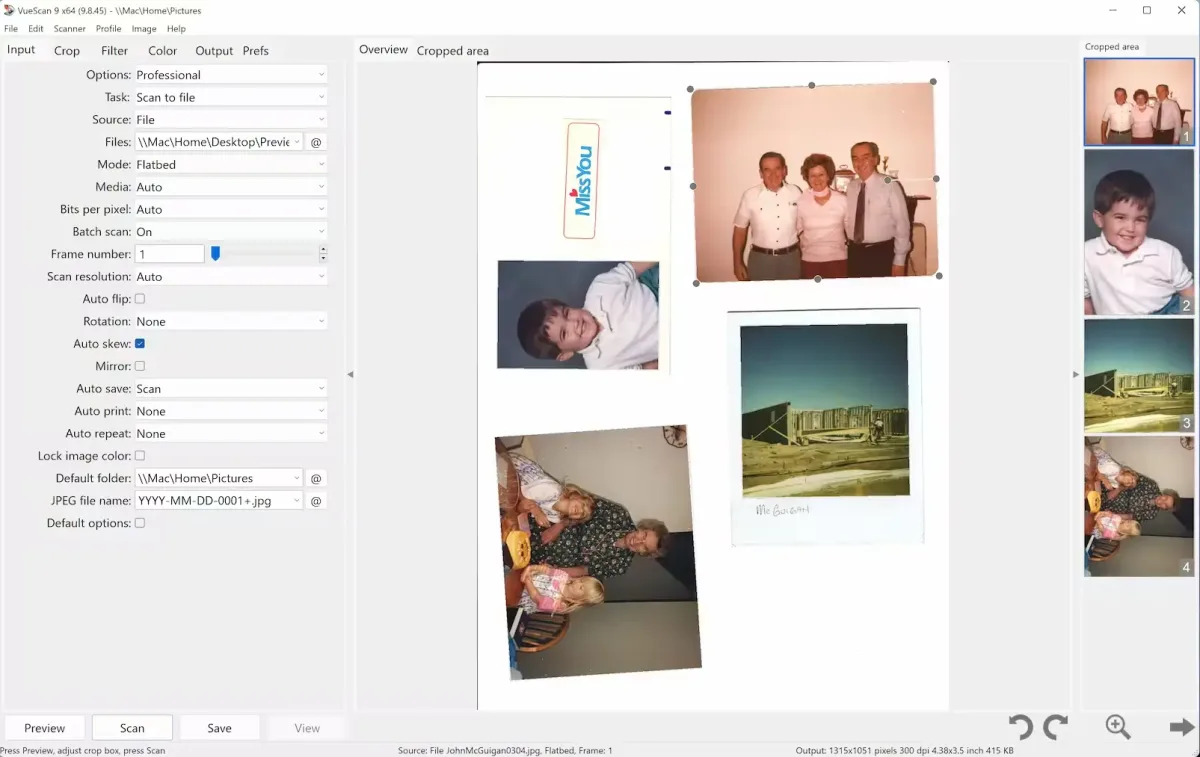
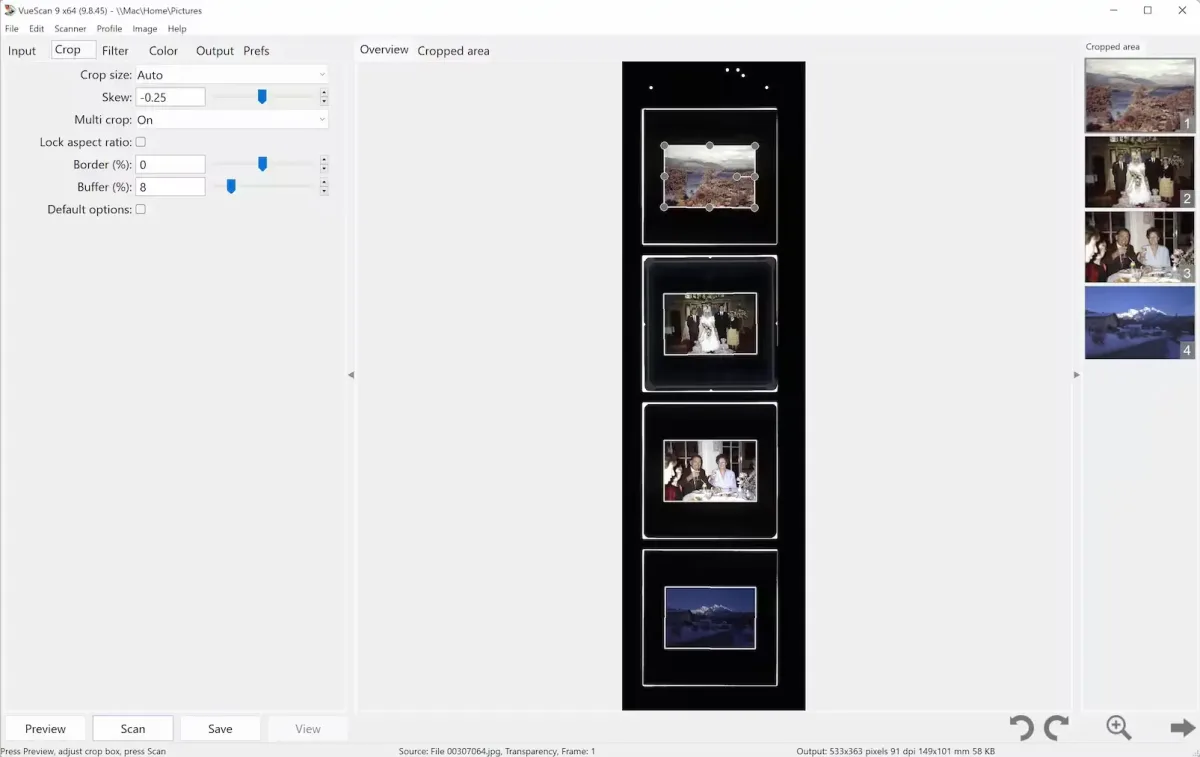
Screenshots
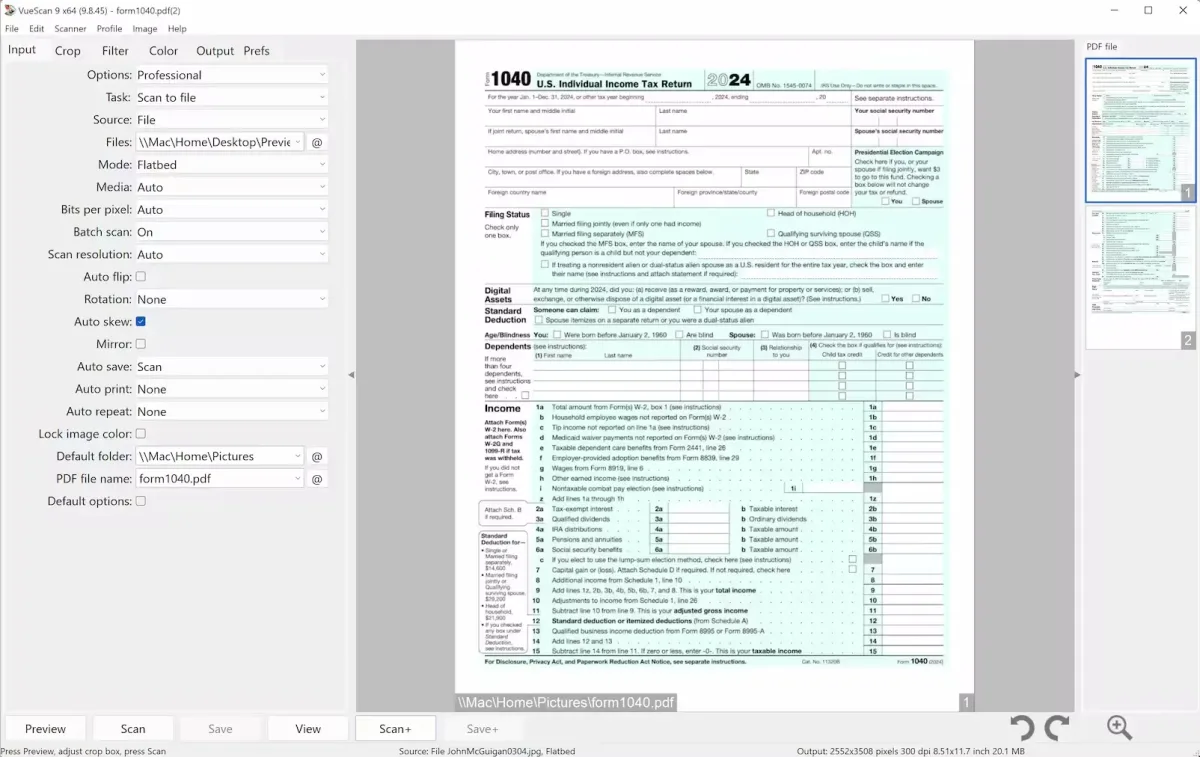
How to Install VueScan on Mac?
Installing VueScan is quick and straightforward.
- Download the latest version of VueScan for Mac.
- Open the downloaded installer package.
- Follow the on-screen setup instructions.
- Connect your scanner if it isn't already plugged in.
- Launch VueScan from the Applications folder.
- Allow the app to detect your scanner automatically.
Once installed, you can start scanning documents, photos, or film right away, with your original scanner software still intact.
How to Use VueScan Mac App?
- Open VueScan and let it detect your connected scanner.
- Click Preview to see a quick scan of your document or photo.
- Adjust cropping, color, and resolution settings as needed.
- Click Scan to capture the final image.
- Choose your output format, such as PDF, JPEG, or TIFF.
- Use the OCR tab if you need searchable text from scanned pages.