
Cytoscape Overview
Cytoscape is an open source platform for visualizing and analyzing complex networks on Mac. Load interaction data, and it builds a visual network you can explore. Zoom into a cluster. Trace a path between two nodes. Overlay data like gene expression right on top of the network structure. It started in molecular biology, and biology is still its biggest use case. It imports WikiPathways, Reactome, and KEGG pathway data directly. But the platform isn't limited to biology. Social scientists use it to map relationships. Others use it for pure network analysis, no biology involved. Over a hundred apps extend what it does, most of them free. The core software runs on Intel and Apple Silicon Macs alike.
Why Choose Cytoscape Mac App
A spreadsheet can't show you how a hundred genes interact. A network diagram can. Cytoscape turns raw interaction data into something you can actually explore, not just read. Zoom in on a cluster. Follow a connection from one node to the next. Lay gene expression data straight on top of the network so patterns jump out visually.
The platform goes well beyond biology too. Social scientists use it to map relationships pulled from social media and other sources. Researchers in other fields run it for general network math, with no biology involved at all. Over a hundred apps add specific analysis tools on top of the core platform, and most of them cost nothing. The software itself is free, though it technically runs as donationware. A small donation helps keep development funded.
Key Features
- Network visualization: builds an interactive, explorable network from raw interaction data.
- Data integration: overlays gene expression, annotations, or other attribute data directly onto a network.
- App ecosystem: extends the platform with over a hundred apps, most free, for specific research tasks.
- Pathway import: loads WikiPathways, Reactome, and KEGG pathway data without manual conversion.
- Broad file format support: reads most standard network and molecular interaction file formats.
- Automatic layouts: arranges a network using several algorithms, with parallel processing for speed.
- Network statistics apps: calculates metrics through apps like NetworkAnalyzer and CentiScaPe.
- Clustering tools: finds groups and patterns within a network using multiple algorithms.
- Social network analysis: visualizes relationships pulled from web APIs and other data sources.
- Automation support: scripts Cytoscape through CyREST, Commands, or libraries for R and Python.
- Open Java-based API: lets developers build and share their own apps freely.
- Fully open source: publishes its complete source code on GitHub under the LGPL license.
Screenshots
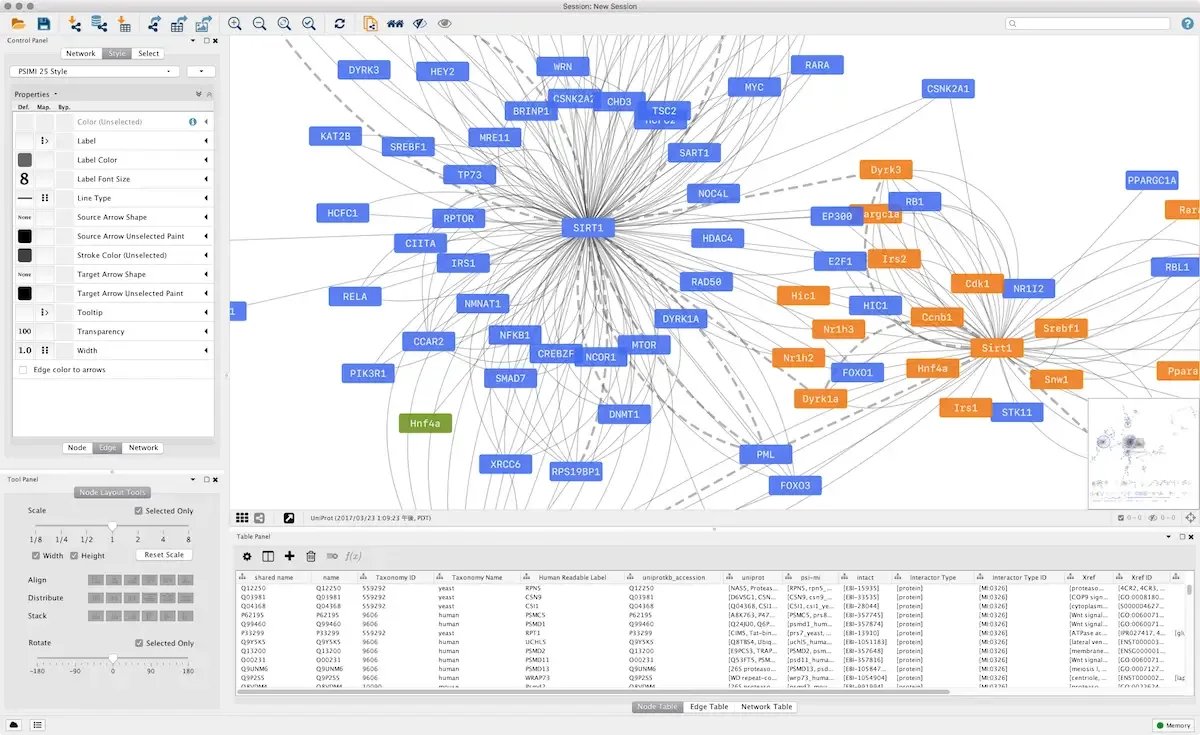
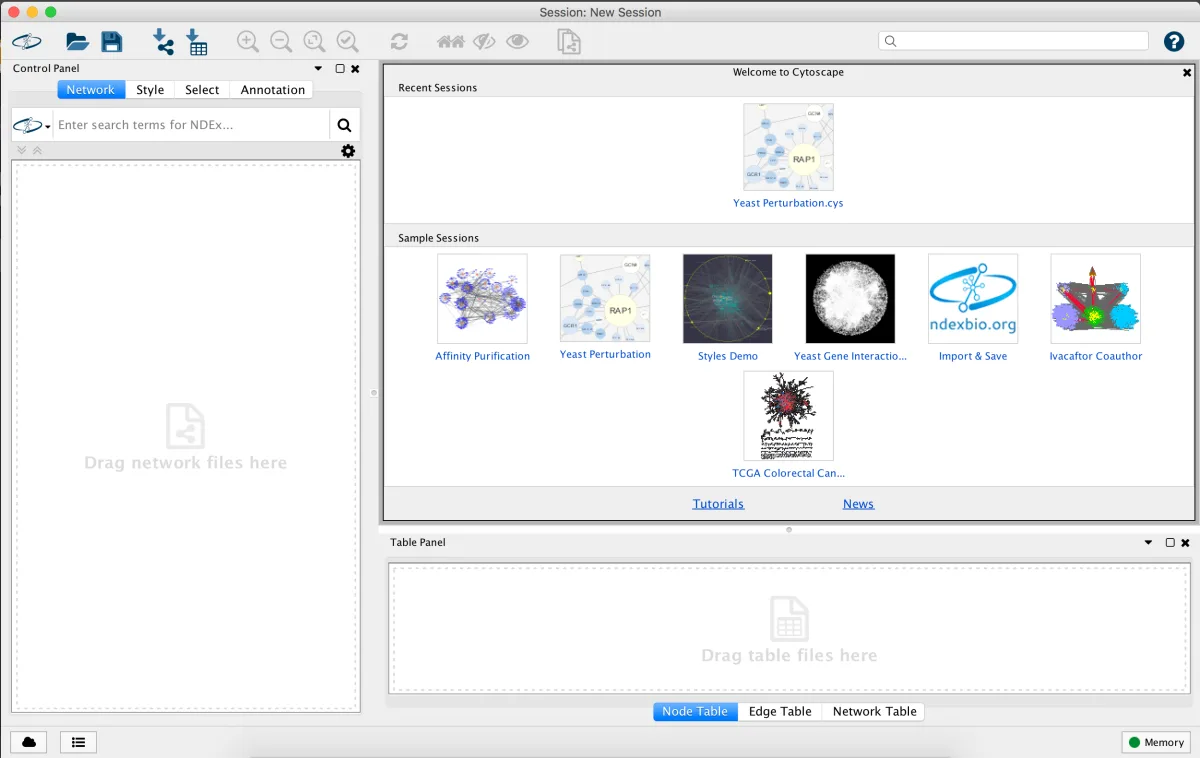
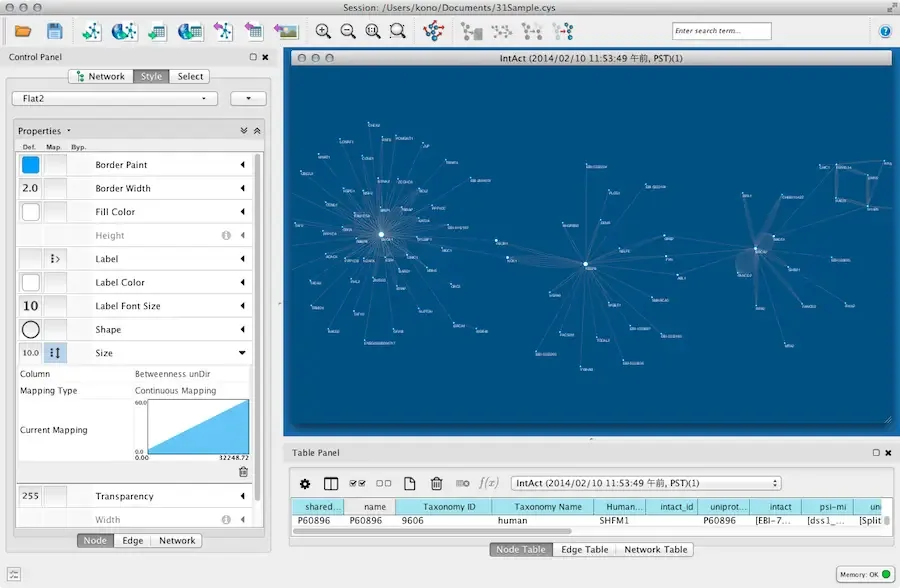
What's New in Cytoscape 3.10.5 Version
Version 3.10.5 focuses on layout speed and small fixes:
- Added a "selected nodes only" option for preferred layouts
- Sped up two layout algorithms, Prefuse Force Directed and BioLayout FR, by calculating selected layouts in parallel
- Fixed global tables not appearing in the Unassigned Tables panel in some cases
- Fixed session loading to listen for the correct event
- Improved table copy and paste so multi-cell selections keep their grid shape
- None of this changes how existing projects work. It's the same tool, just faster and a bit more reliable.
Supported macOS Versions
Cytoscape runs on macOS 10.11 or later. It works natively on both Intel and Apple Silicon Macs. Large networks are where hardware actually matters. A network with thousands of nodes needs real memory and a fast processor to stay responsive. A small network runs fine on almost any supported Mac.
How to Download and Install Cytoscape Mac?
Cytoscape is a platform-independent Java app. The same installer works the same way on Mac. Setup takes just a few steps.
- Click the Download button above to safely download the setup file.
- Open the downloaded file and run the installer.
- Follow the prompts. If macOS shows a security prompt, open System Settings, then Privacy & Security, and click Open Anyway.
- Launch Cytoscape from Applications once installation finishes.
No account or license key is needed. It's free to use right away.
How to Use Cytoscape Mac?
- Import a network file, or paste in interaction data directly.
- Choose a layout algorithm to arrange the network automatically.
- Apply a visual style to map data, like expression values, onto node color or size.
- Open the App Manager to install apps for specific analysis tasks.
- Run a clustering or statistics app to find patterns in the network.
- Export the finished visualization as an image, or save the session to continue later.
Alternatives to Cytoscape
Gephi: Free, open source network visualization and analysis tool with a strong layout and filtering toolkit.
yEd Graph Editor: Free graph and diagram editor for Mac with automatic layout algorithms suited to network visualization.