OmniGraffle Pro Overview
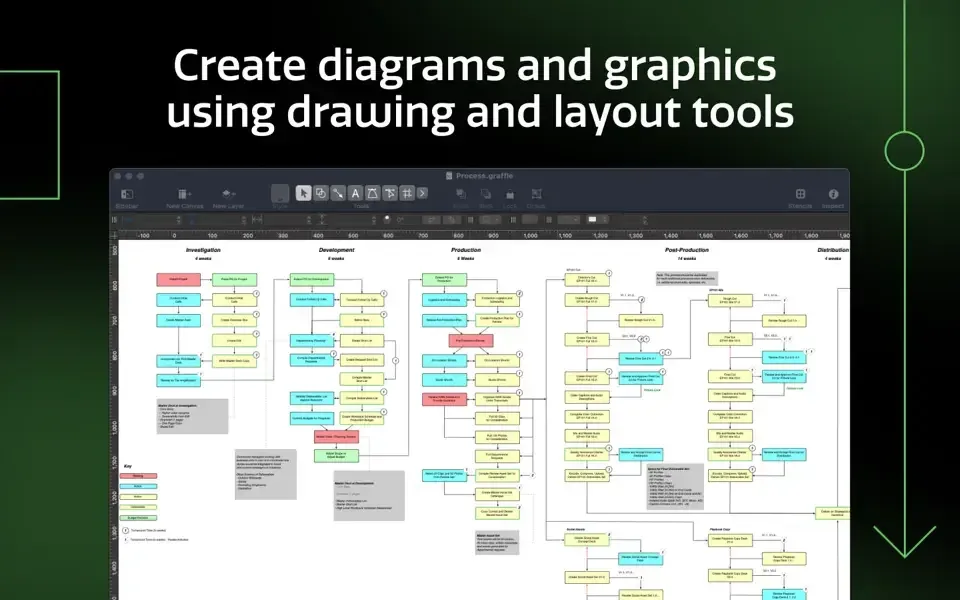
OmniGraffle Pro is diagramming and vector graphics software for Mac from The Omni Group, used for flowcharts, wireframes, and technical illustrations. An Infinite Canvas expands automatically as a diagram grows, and a Point Editor Tool gives direct access to every point on a shape's path. Pro-specific tools add Visio import and export for VSD, VSDX, and VDX files, non-destructive shape combination through union, intersection, and subtraction, and shared layers that update common elements across multiple canvases. Artboard Layers organize complex diagrams into exportable sections, and Tables group shapes for easy row and column management. Text or lines can convert into fully editable Bézier shapes for detailed custom styling. The same stencils, projects, and JavaScript automation sync with the iPad and iPhone apps. It downloads free with a full 14-day trial, and new purchases unlock a perpetual license rather than a subscription.
Why Choose OmniGraffle Pro Mac App
A basic flowchart tool covers simple boxes and arrows, but falls short the moment a diagram needs precision. Exact Bézier points, an infinite canvas that grows in any direction, or shapes combined and uncombined without starting over all sit outside what a simple tool offers. OmniGraffle Pro adds all of that, along with Visio file compatibility for anyone working alongside Windows-based teams still using Microsoft's format.
In-app purchases were streamlined a while back to offer only perpetual licenses for new purchases. Buying Standard or Pro today means owning that version outright rather than renewing a subscription. The same stencils, projects, and JavaScript automation carry over to the iPad and iPhone apps too, so a diagram started on a Mac can be picked up and finished on a tablet without any conversion step.
Key Features
- Infinite Canvas: expands the drawing area automatically in one, two, three, or all directions as a diagram grows.
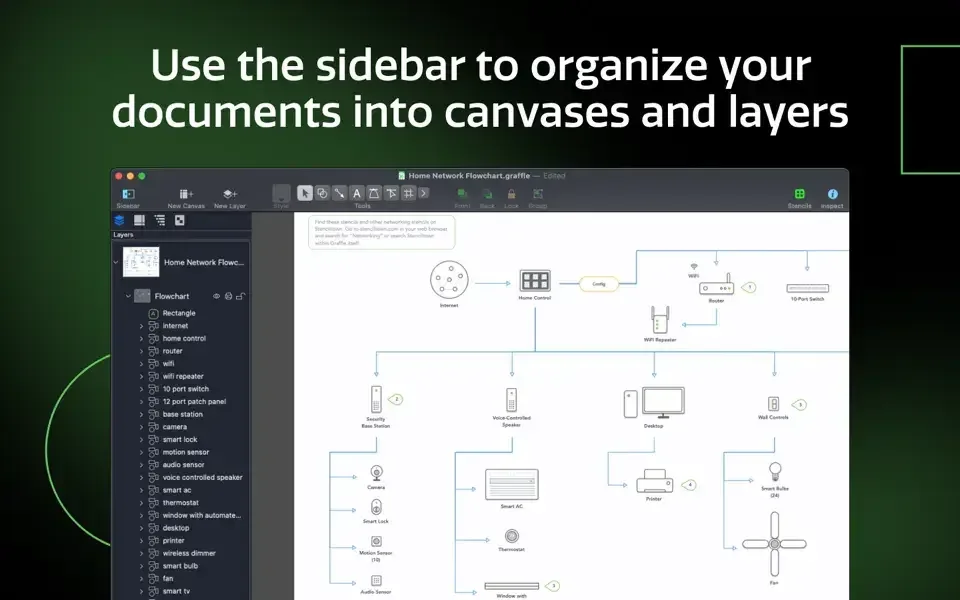
- Unified Sidebar: manages objects, layers, and canvases together from one organized panel.
- Point Editor Tool: gives direct access to edit every individual point on a shape's path.
- Multi-resolution Export Panel: batch-exports graphics at several sizes at once, automatically named and organized.
- Visio import and export (Pro): opens and saves Microsoft Visio VSD, VSDX, and VDX files, along with Visio stencils and templates.
- Non-destructive shape combination (Pro): unions, intersects, or subtracts shapes, with the option to uncombine them later.
- Shared layers (Pro): updates a common element across multiple canvases from a single shared layer.
- Convert text or lines to shapes (Pro): turns typography or a line's stroke into fully editable Bézier shapes.
- Artboard Layers (Pro): organizes a complex diagram using layered, individually exportable artboards.
- Tables (Pro): groups shapes into a table, making it easy to add new rows or columns.
- Photoshop export with layers (Pro): exports OmniGraffle's own layers directly as Photoshop layers.
- Cross-device sync: shares the same stencils, projects, and JavaScript automation with the iPad and iPhone apps.
Screenshots
What's New in OmniGraffle 7.26 Version
Version 7.26, released September 11, 2026, is a compatibility update:
- Improves compatibility with macOS 27 (Golden Gate)
- The prior release, 7.25.1, addressed several security vulnerabilities where opening a maliciously crafted PDF or Microsoft Visio file could lead to a crash or, in some cases, arbitrary code execution.
Supported macOS Versions
OmniGraffle 7.26 requires macOS 14 or later, a minimum raised from macOS 12 specifically to improve compatibility with macOS 27. Anyone on an older Mac that can't meet this requirement can find a previous version compatible with their system in Omni Group's downloads archive. Diagramming itself is lightweight work for a Mac's processor, but very large or complex documents, especially ones with many artboards, shared layers, or embedded Visio content, benefit from more RAM and a faster Mac to keep panning and zooming smooth.
How to Download and Install OmniGraffle Pro on Mac?
OmniGraffle is also available on the Mac App Store. Installing the direct download only takes a few steps.
- Click the Download button above to safely download the setup file.
- Open the downloaded file, then drag OmniGraffle into your Applications folder.
- Launch OmniGraffle from Applications. If macOS shows an "unidentified developer" warning, go to System Settings → Privacy & Security and click Open Anyway.
- Sign in with an Omni Group account if prompted, or continue without one to start the trial.
The app runs as a full 14-day trial with every Standard and Pro feature unlocked. After the trial, purchasing a perpetual license keeps the features you need working permanently.
How to Use OmniGraffle Pro Mac App?
- Start a new document and choose a template, or begin with a blank canvas.
- Drag shapes from the Stencils library onto the canvas to start building a diagram.
- Connect shapes with lines, which automatically stay attached as objects move.
- Open the Point Editor to adjust individual points on a shape for precise custom paths.
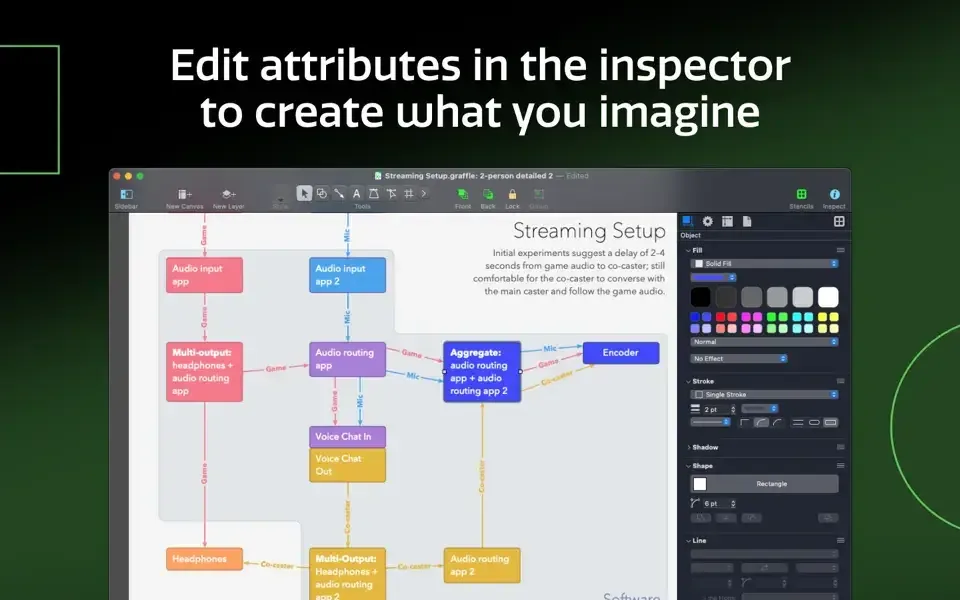
- Use the Inspector sidebar to adjust colors, fonts, layers, and other properties.
- Export the finished diagram from the Export Panel, choosing a format and resolution.
Alternatives to OmniGraffle Pro
draw.io (diagrams.net): Free, actively maintained diagramming app for Mac with Visio import support and a wide range of diagram templates.
LibreOffice Draw: Free, open source vector drawing tool included with LibreOffice, covering basic diagramming and illustration needs.