Stellarium Overview
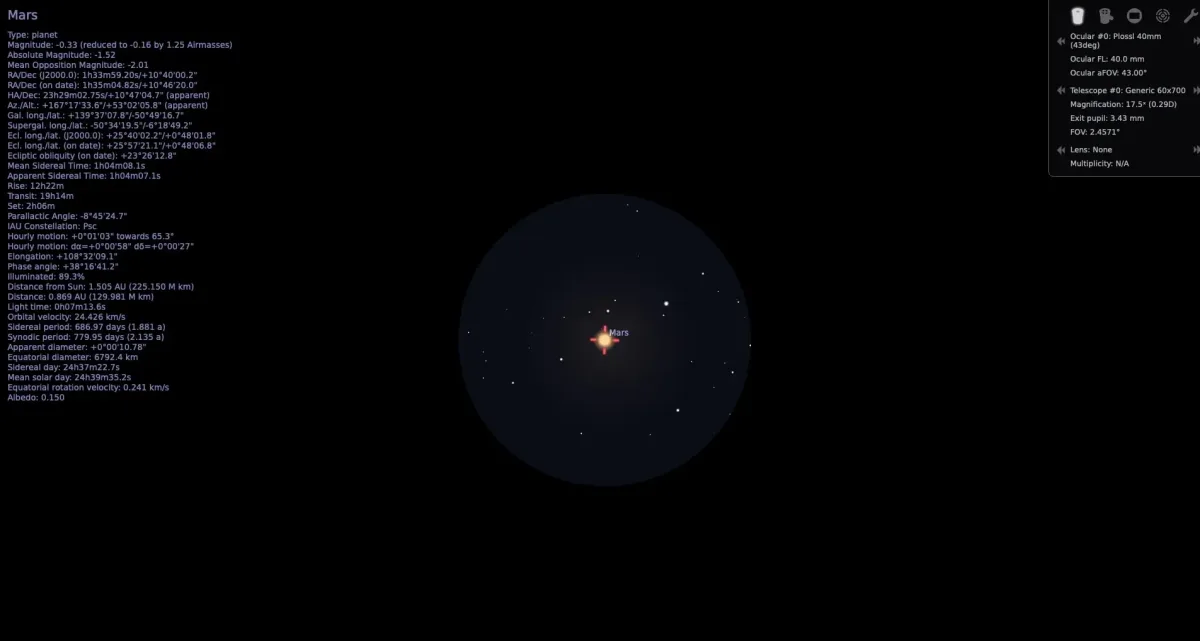
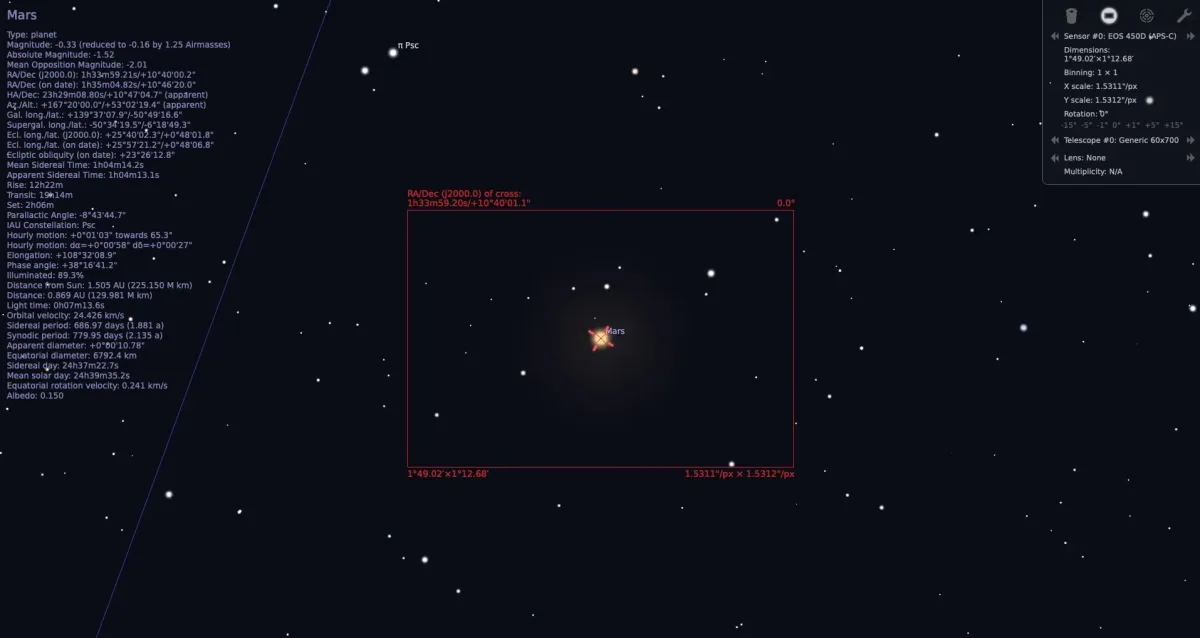
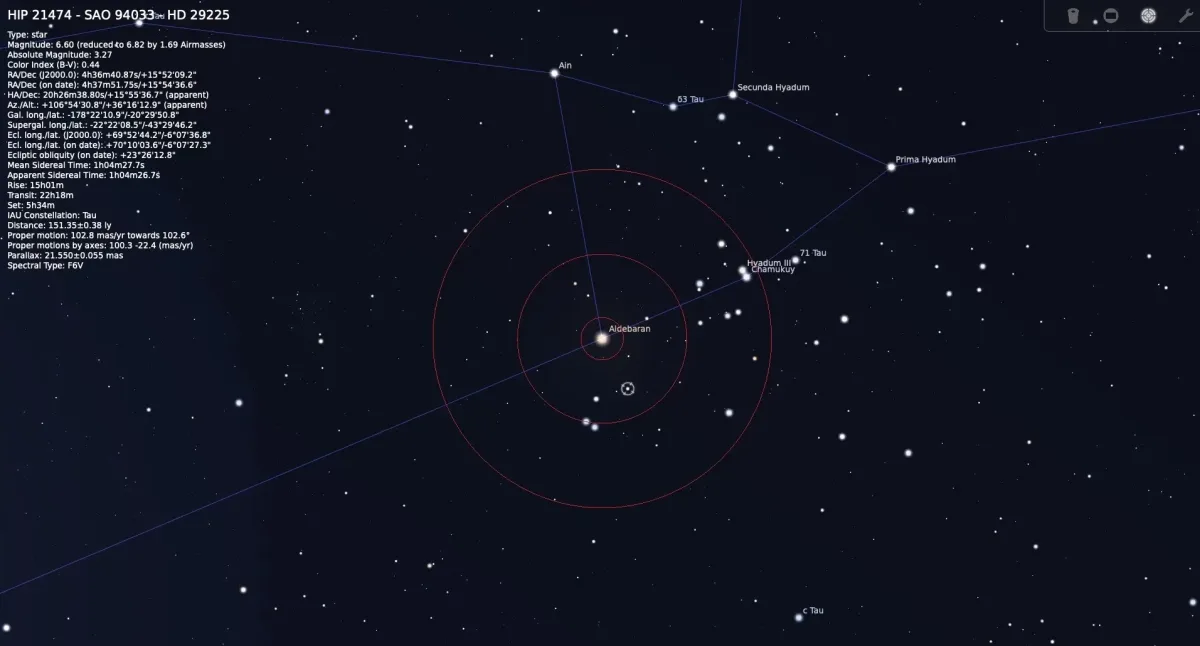
Stellarium is a free, open source planetarium application for Mac that renders a realistic 3D view of the night sky. It shows stars, planets, and deep-sky objects exactly as they'd appear with the naked eye, binoculars, or a telescope, from any location and any point in time. A default catalogue of more than 600,000 stars expands to over 220 million with additional data, alongside 80,000 default deep-sky objects and the full Messier catalogue. Constellations and traditions from more than 40 sky cultures are included, along with calendars from 35 different cultures. An AstroCalc module simulates eclipses, transits, and celestial positions using real astronomical data, and a plugin system adds satellite tracking, telescope control, and ocular simulation. Time controls let you fast-forward or rewind to see how the sky looked or will look at any moment, and a scripting interface and remote control API support automated or classroom presentations.
Why Choose Stellarium Mac App
Cloud cover, light pollution, and weather all get in the way of actually seeing the night sky. Stellarium renders it instead, showing stars, planets, and deep-sky objects exactly as they'd appear from a chosen location and moment in time, tonight's sky included, or an eclipse centuries in the past or future.
The project has been cited in peer-reviewed archaeoastronomy research and is used in university lectures on cultural astronomy, backed by a development team that includes professional astronomers and historians. Version 26.3 adds a new Object Visibility plugin with twilight mapping tools, along with the Potawatomi sky culture and updated eclipse timing data from NASA. Stellarium remains completely free and open source, with three to four substantial releases shipping every year.
Key Features
- Realistic 3D sky rendering: displays the sky exactly as seen with the naked eye, binoculars, or a telescope.
- Massive star catalogue: includes 600,000-plus stars by default, expandable to more than 220 million with extra data.
- Deep-sky object catalogue: covers 80,000-plus objects by default, including the full Messier catalogue, expandable to over 1 million.
- Sky cultures: presents constellations and traditions from more than 40 different cultures, including the newly added Potawatomi culture.
- Object Visibility plugin: adds Twilight map and Twilight limits tools for planning observations.
- Eclipse and transit simulation: uses NASA/Espenak timing data in the AstroCalc tool to model past and future events.
- Realistic atmosphere: simulates sunrise, sunset, and sky brightness with a lightweight, efficient rendering model.
- Time control: fast-forwards, rewinds, or jumps to a specific date to track celestial movement.
- Telescope control: connects to physical telescopes, including LX200 protocol support.
- Scripting and remote control: automates the sky view through scripts or a documented web-based HTTP API.
- Fisheye and dome projection: supports planetarium dome displays and DIY spheric mirror projection setups.
- Plugin system: adds satellite tracking, ocular simulation, and custom solar system objects.
Screenshots
What's New in Stellarium 26.3 Version
Stellarium 26.3, released September 28, 2026, is the third major release of the year:
- Added a new Object Visibility plugin, including Twilight map and Twilight limits tabs
- Added the Potawatomi sky culture, with supporting translations
- Added NASA/Espenak eclipse timing terms and the ability to jump to specific transit or eclipse circumstances in the AstroCalc tool
- Added OpenAPI (SwaggerUI) documentation to the Remote Control plugin
- Added two newly observed objects: Nova Tauri 2026 and supernova SN 2026sqf
- Made the Lightweight atmosphere model the default rendering option
- Fixed numerous sorting, localization, and build issues across sky cultures and plugins
- The complete, itemized changelog covering every change in this release is published on the project's own website.
Supported macOS Versions
Stellarium's minimum requirement is macOS 10.13 with support for OpenGL 2.1, while the developer recommends macOS 12.0 or later with a graphics card supporting OpenGL 3.3 for the full visual experience. The app ships as a universal binary for both Apple Silicon and Intel Macs. Rendering hundreds of thousands of stars, extra star catalogues, and 3D sceneries in real time benefits significantly from a dedicated graphics card and more available RAM, especially once extra catalogues covering millions of additional objects are installed.
How to Download and Install Stellarium Mac?
Installing Stellarium on Mac only takes a few steps after downloading.
- Click the Download button above to safely download the setup file.
- Unzip the downloaded file, then drag Stellarium into your Applications folder.
- Launch Stellarium from Applications. If macOS shows a security prompt, go to System Settings → Privacy & Security and click Open Anyway.
- Set your location and time zone when prompted, so the sky view matches where you are.
Stellarium is completely free to use, with no license key, account, or in-app purchase required.
How to Use Stellarium Mac?
- Use the mouse or trackpad to pan around the sky, and scroll to zoom in or out.
- Click on a star, planet, or deep-sky object to see detailed information about it.
- Use the time controls in the bottom toolbar to fast-forward, rewind, or jump to a specific date.
- Press C for constellation lines, or N for nebula labels, to toggle common overlays.
- Open the Search window to jump directly to a specific object by name.
- Install additional star catalogues, sky cultures, or landscapes from the Configuration window if needed.
Alternatives to Stellarium
AstroGrav: Free astronomy simulation software for Mac focused on modeling gravitational interactions between celestial bodies.
SkyChart: Free star charting and planetarium software for Mac with detailed catalogue support for observation planning.