
FET Overview
FET is free, open source software that builds a school timetable automatically. It works for schools, high schools, and universities. Enter your teachers, subjects, student groups, and rooms. Add the rules each one has to follow. Click generate, and FET produces a conflict-free schedule. A complicated timetable usually solves in 5 to 20 minutes. Simple ones can finish in seconds, while extremely difficult ones may take hours. Each constraint carries a weight from 0 to 100 percent. You decide which rules are strict and which are just preferences. Results can be adjusted by hand afterward, and exported to HTML, XML, or CSV. FET runs on Apple Silicon and Intel Macs, with an interface available in 38 languages.
Why Choose FET Mac App
Building a school timetable by hand is brutal. Every teacher needs free periods. Every room holds one class at a time. Every student group needs a balanced day. FET handles all of it automatically. Enter the teachers, subjects, rooms, and rules. Click generate. A conflict-free timetable comes out the other side.
FET is free software with no per-school fees and no subscription. Typical timetables solve in 5 to 20 minutes. Easy ones finish in under 5. Extremely difficult ones can take hours, so it helps to set expectations early. The project runs on donations, and the developer says financial help is highly needed.
Key Features
- Automatic timetable generation: solves a complex school timetable on its own, typically within 5 to 20 minutes.
- Semi-automatic and manual allocation: lets you adjust or place activities by hand after generating.
- Flexible student structure: organizes students into years, groups, and subgroups, with overlapping sets allowed.
- Weighted constraints: gives each rule a weight from 0 to 100 percent, separating strict rules from preferences.
- Time constraints: controls teacher and student gaps, daily hours, rest periods, and break times.
- Space constraints: manages room availability, home rooms, and preferred rooms by subject or activity.
- Activity constraints: sets preferred start times, consecutive ordering, and non-overlapping activities.
- Very large capacity: handles up to 500,000 activities, 30,000 student subgroups, and 30,000 rooms.
- CSV import and export: brings in data from a spreadsheet and sends results back out.
- Multiple export formats: saves finished timetables as HTML, XML, or CSV files.
- XML input format: lets you edit the data file by hand or with an XML editor.
- 38 interface languages: translates the app into Arabic, German, Japanese, Spanish, and many more.
Screenshots
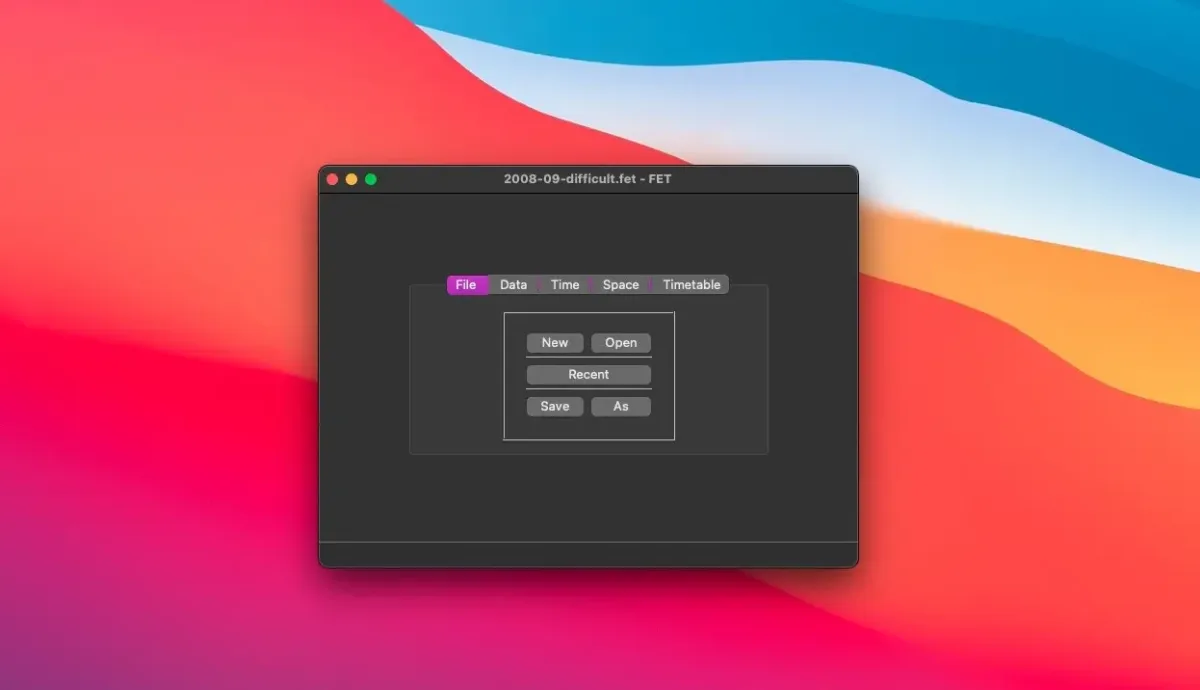
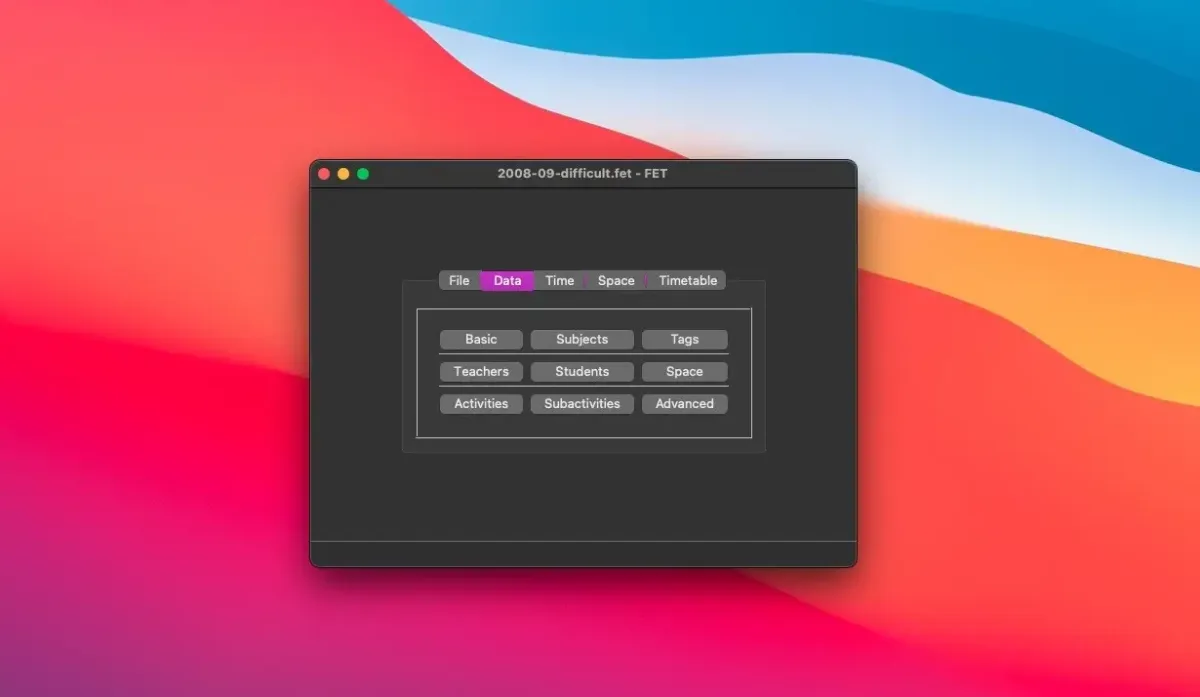
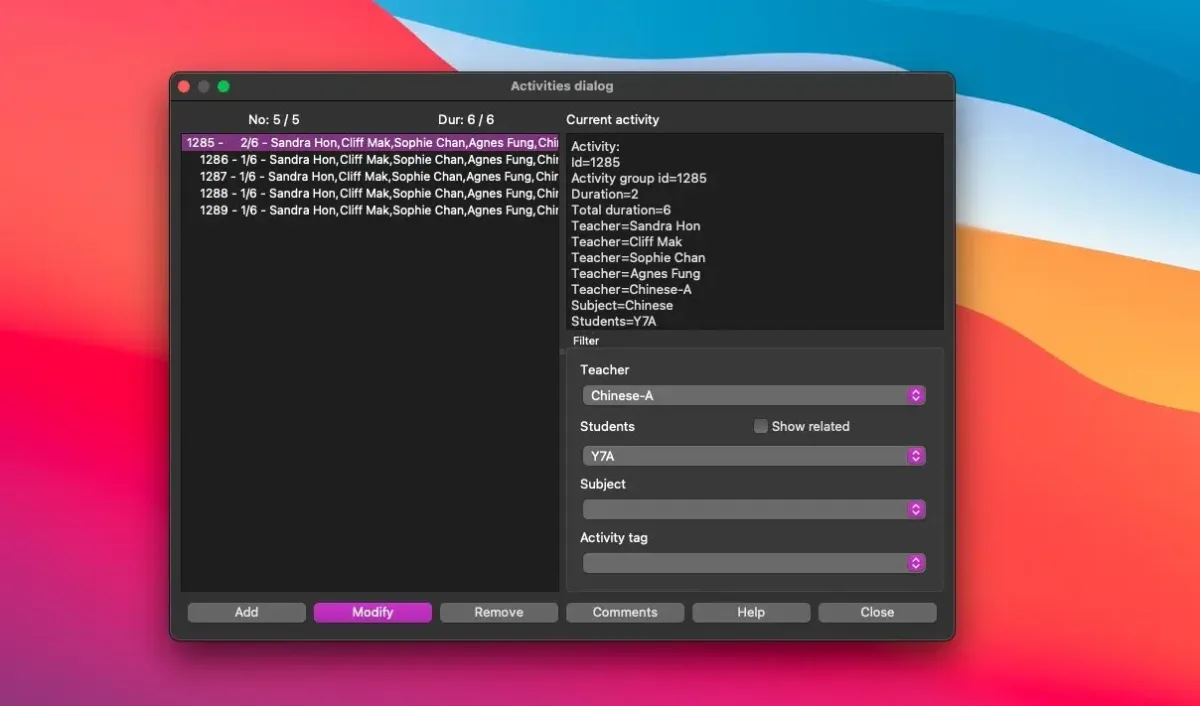
What's New in FET 7.11.1 version
- Crash bugs fixed when using constraints of type teacher(s)/students (set) max single gaps in selected time slots together with constraints of type break or teacher/students set not available times.
- Corrected the Arabic translation, by Benahmed Abdelkrim.
Supported macOS Versions
FET needs macOS 13 or later. It runs natively on both Apple Silicon and Intel Macs. Solving a timetable is processor-heavy work, so a faster Mac finishes complex schedules sooner. A large institution with thousands of activities benefits from more RAM and a faster processor. A small timetable solves quickly on almost any supported Mac.
How to Download and Install FET Mac?
Installing FET on Mac only takes a few steps after downloading.
- Click the Download button above to safely download the setup file.
- Open the downloaded file, then drag FET into Applications.
- Launch it. If macOS shows a security prompt, open System Settings, then Privacy & Security, and click Open Anyway.
Start a new timetable file and begin entering your institution's data.
How to Use FET Mac?
- Create a new file and set the days and hours of your school week.
- Add subjects, teachers, student years, groups, and subgroups.
- Add rooms and buildings if you want room scheduling too.
- Create activities, linking each one to a teacher, subject, and student set.
- Add time and space constraints, giving each a weight that matches your priorities.
- Click generate, then export the finished timetable to HTML, XML, or CSV.
Alternatives to FET
UniTime: Free, open source, Java-based scheduling system built for universities, covering course and exam timetables.
TimetableMaster: Web-based scheduling tool with a free tier for small schools, usable from any Mac browser.