Focus Overview
Focus for mac is a productivity timer by Meaningful Things built to help you plan, execute, and track work sessions on Mac, iPhone, iPad, and Apple Watch. Version 2026.2.1 rebuilt the app on a modern Swift 6 codebase, added a new in-app Learning section, and redesigned its Settings from the ground up. It combines a timer with integrated task management, in-depth statistics, and iCloud sync, so sessions and tasks stay consistent across every device you use. A lightweight menu bar item shows your current task and progress at a glance. The app is free to download, with additional features unlocked through in-app purchases.
Why Choose Focus for Mac?
Most timer apps just count down minutes. Focus ties its timer directly to task management, so each session is logged against something specific you're working on, not just a generic block of time. That connection is what feeds its statistics, letting you look back and see where your focused time actually went.
Its cross-device design is also worth knowing about upfront. iCloud keeps your tasks and sessions synced across Mac, iPhone, iPad, and Apple Watch, and Handoff lets you pick up a running session on another device without losing progress. That said, it's worth checking current pricing before committing, since some long-time users have noted in reviews that Focus costs noticeably more than many other Pomodoro and focus timer apps on Mac.
Key Features
- Integrated task management synced directly with the timer
- In-depth statistics for reviewing your focused work over time
- iCloud sync across Mac, iPhone, iPad, and Apple Watch
- Handoff support for continuing a session on another device
- Actionable notifications for starting or extending a session without opening the app
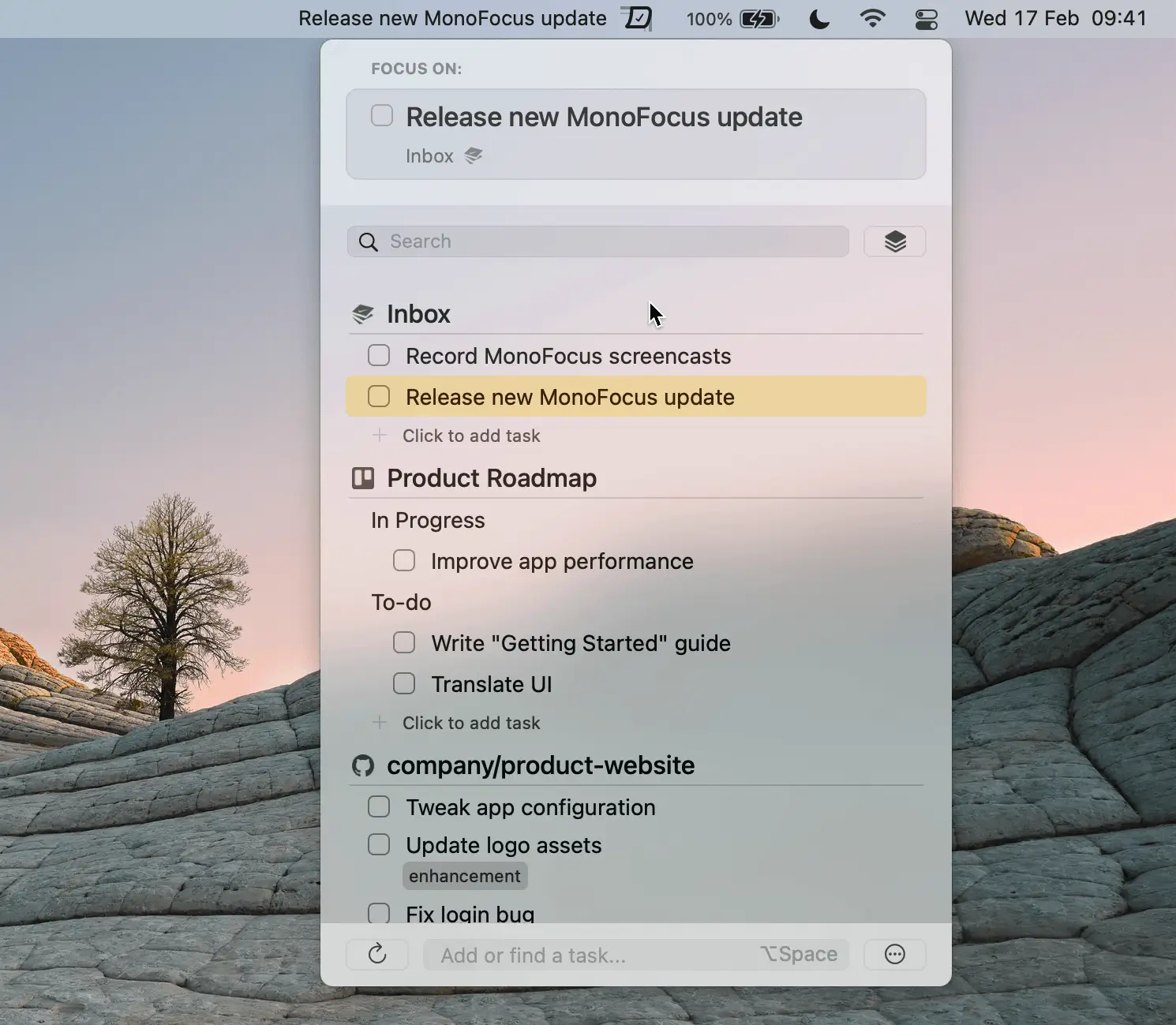
- Lightweight menu bar item showing current task and progress
- New in-app Learning section with guides on focus, breaks, and time tracking
- Redesigned Settings for tuning sessions, notifications, and appearance
- Rebuilt on a modern Swift 6 codebase for improved speed and reliability
What's New in 2026.2.1 Version
Focus 2026.2.1 focuses on modernizing the app's foundation and onboarding. Recent changes include:
- A new Learning section with short guides on focus, breaks, and time tracking
- Live setting adjustments while reading through Learning guides, synced across devices
- A fully redesigned Settings screen with refreshed controls and new options
- A rebuild on Swift 6, described by the developer as their biggest foundation update yet
- These changes focus on making Focus faster and more approachable, rather than adding entirely new timer features.
Supported macOS Versions
Focus requires macOS 14.0 or later and is built for Intel 64-bit Macs. The app is a moderate 59MB download, and its recent Swift 6 rebuild is aimed at improving speed and reliability on current macOS releases.
How to Install Focus on macOS?
Setting up Focus on your Mac takes just a few steps.
- Download the latest version of Focus for Mac.
- Open the downloaded installer file.
- Follow the on-screen instructions to complete installation.
- Launch Focus from your Applications folder.
- Sign in with iCloud if you want your tasks and sessions synced across devices.
- Once installed, you can create your first task and start a focus session right away.
How to Use Focus on mac?
- Open Focus and create a task you want to work on.
- Start a timed session linked to that task.
- Use the menu bar item to check your progress without switching windows.
- Review your statistics afterward to see how your session went.
- Check the Learning section if you want tips on structuring focus and breaks.