Smultron Overview
Smultron is a text editor for Mac from Peter Borg Apps. It handles plain text, notes, and source code in one tidy window. Syntax highlighting covers more than 200 languages, including Swift, Python, JavaScript, and Markdown. Advanced Find supports regular expressions. Compare shows color-coded differences between two files. Snippets, Commands, and a Functions list speed up routine coding. Bookmarks and Notes help you navigate long documents. Split window and Focus mode help you compare or concentrate. Autosave and Versions protect your edits. The app is optimized for Apple silicon. Version 14.5.1 runs on macOS 14 Sonoma or later. It suits writers, developers, and anyone who wants a light editor that is more capable than TextEdit.
Key Features
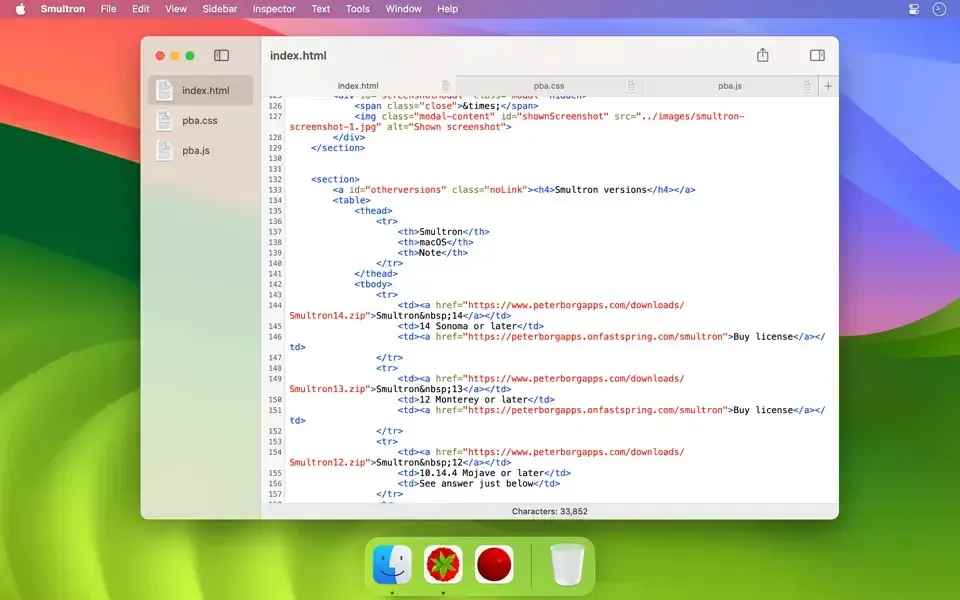
- Syntax highlighting: colors more than 200 languages, including C, C#, Go, Java, PHP, Rust, SQL, HTML, CSS, and LaTeX.
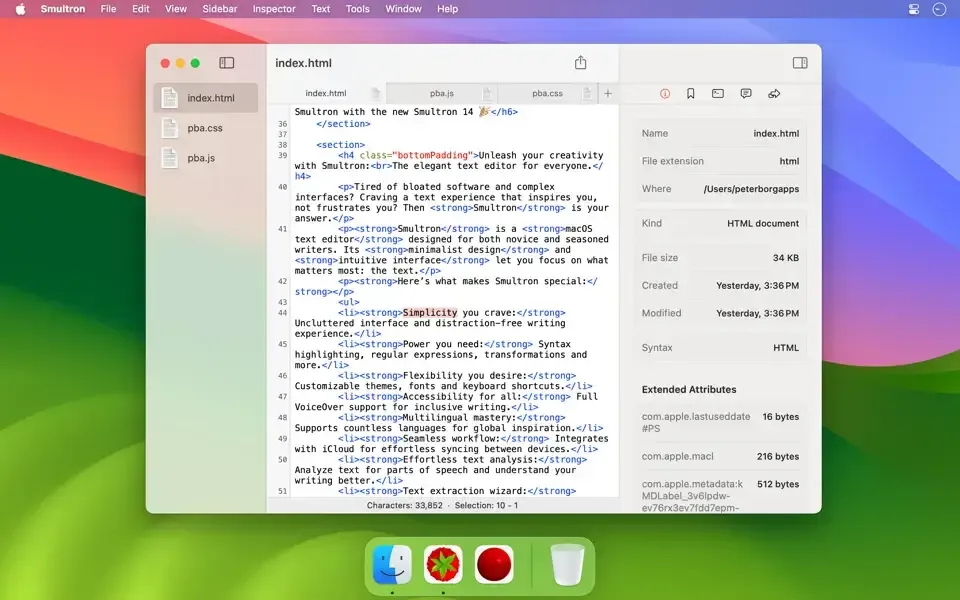
- Sidebar and inspector: keeps files, bookmarks, and settings within reach.
- Advanced Find: searches with regular expressions across your text.
- Compare: shows color-coded differences between two documents.
- Columns: edits and sorts tabular data in a column view.
- Plist editor: opens property list files in a structured editor.
- Snippets: inserts reusable code with placeholders.
- Commands: runs shell commands with path variables.
- Functions list: jumps to the functions and symbols in a code file.
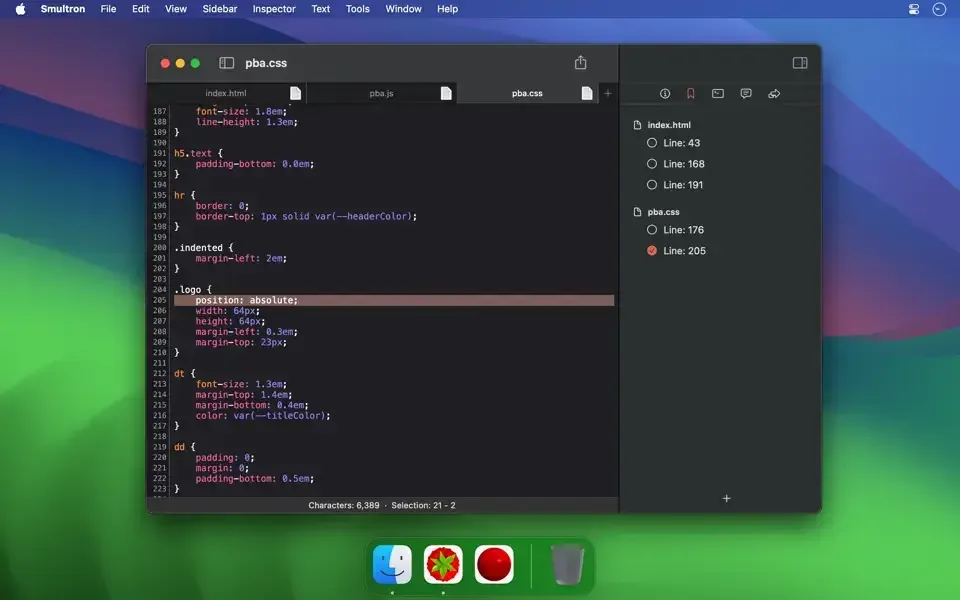
- Bookmarks and Notes: marks lines in long files, and notes are saved automatically.
- Text scanner: reads text from images through OCR and a nearby Apple device camera.
- Language analysis: picks out nouns and verbs in a passage.
- Preview and Close tag: shows web output and closes HTML tags.
- Autosave and Versions: protects edits and lets you return to an earlier state.
- Custom themes and extensions: changes colors and maps file extensions to syntaxes.
Screenshots
What's New in Smultron 14.5.1
- Small bug fixes and improvements
How to Download and Install Smultron Mac?
Installing Smultron on Mac takes under a minute.
- Click the Download button above to safely download the setup file.
- Open the downloaded file, then move Smultron into your Applications folder.
- Launch Smultron from Applications. If macOS asks you to confirm opening an app downloaded from the internet, click Open.
- Allow the background task if macOS asks once, since Smultron uses it for saving and updating.
- Open a file or start a new document, then choose a syntax from the menu.
- Move the app to the Applications folder before you update it later.
Alternatives to Smultron
CotEditor: Free, open-source text editor made for macOS, with syntax highlighting for more than 60 languages, regular expression find and replace, split panes, and automatic backups.
Visual Studio Code: Free code editor with Universal builds for Intel and Apple silicon Macs. It adds a large extension library, though it is heavier than a light text editor. Its free status is stated from general knowledge, so confirm it on the official site.