Melodics Overview
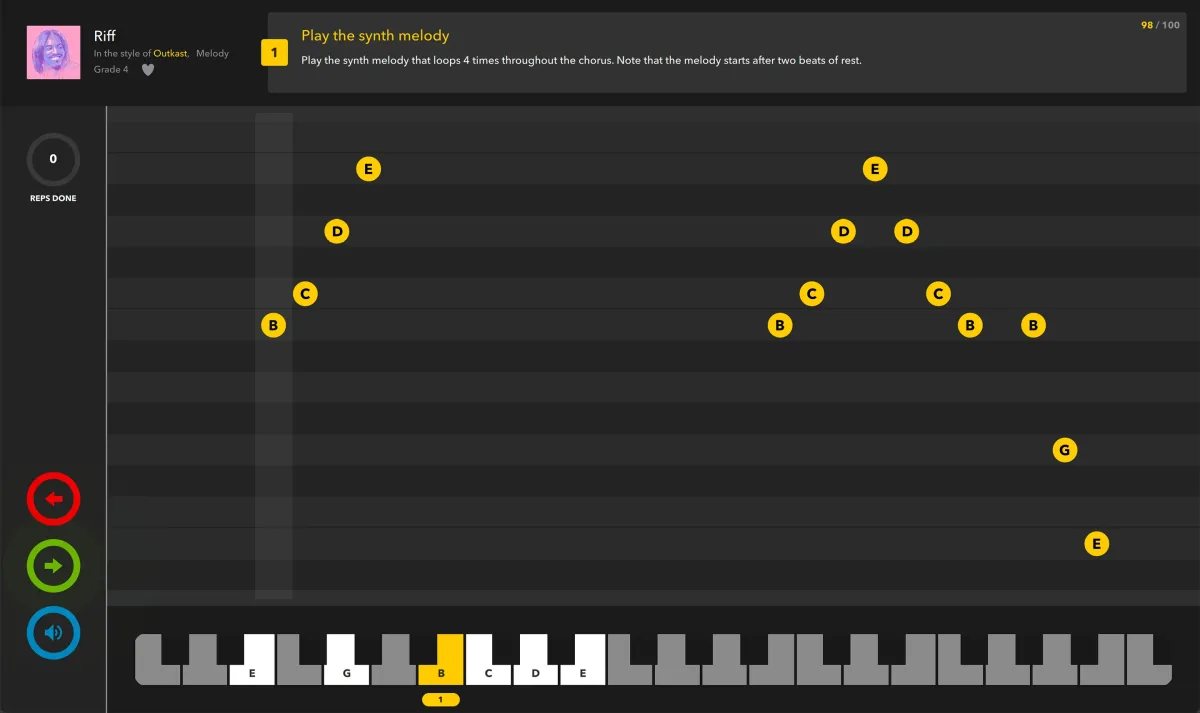
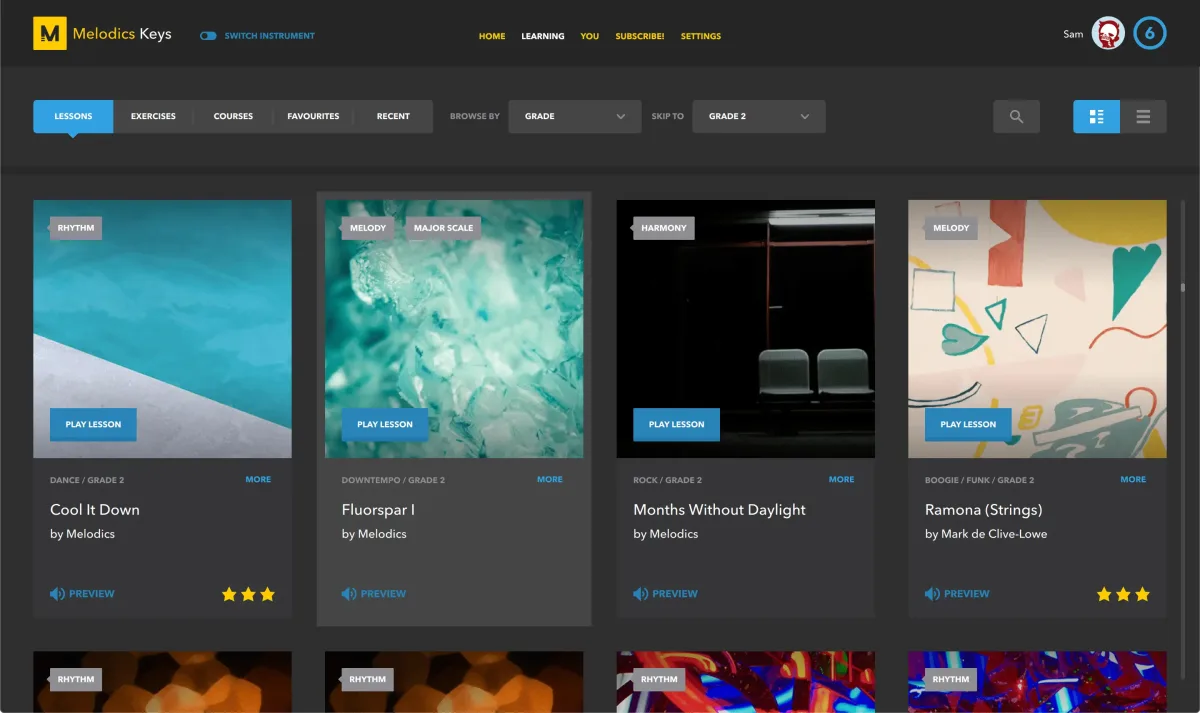
Melodics is a practice app for Mac that teaches you to play keys, drums, and pad controllers. You plug in a MIDI keyboard, drum pad, or electronic kit. The app then guides you through interactive lessons and scores your timing and accuracy in real time. Lessons cover rhythms, chords, melodies, and rudiments. Guided learning paths queue up your next lesson automatically. Stars, streaks, and challenges keep practice on track. Premium adds song lessons across genres. No instrument handy? You can play with your computer keyboard. Setup guides cover many popular devices. Version 5.0.1613 runs on macOS 12 or later with Apple silicon and Intel support. It suits beginners and producers who want hands-on practice.
Key Features
- Interactive lessons: shows notes or pads on screen and scores your playing as you go.
- Real-time feedback: reports timing and accuracy after each attempt.
- Guided learning paths: queues the next lesson based on your progress.
- Rhythms, chords, and melodies: builds core skills for keys and pads.
- Drum rudiments: trains stick control and groove for drums.
- Song lessons (Premium): teaches full songs at several skill levels and in many genres.
- Stars, streaks, and challenges: rewards steady practice with progress goals.
- Progressive stages: brings in harder material as each stage is completed.
- MIDI keyboard support: works with the MIDI keyboards you already own.
- Pad controller and drum support: supports finger drumming and electronic drum setups.
- Computer keyboard mode: lets you try lessons with no instrument attached.
- Connection guides: explain how to set up popular instruments.
Screenshots
What's New in Melodics 5.0.1613 Version
- Interactive lessons with real-time feedback
- Guided learning paths that queue up your next lesson
- Stars, streaks, challenges, and progressive stages
- Song lessons for several skill levels and genres in Premium
- Support for MIDI keyboards, pad controllers, and drums
How to Download and Install Melodics Mac?
Installing Melodics on Mac takes a couple of minutes, including connecting your instrument.
- Click the Download button above to safely download the setup file.
- Open the downloaded file, then move Melodics into your Applications folder.
- Connect your MIDI keyboard, pad controller, or electronic drums with a USB cable.
- Launch Melodics from Applications. If macOS asks you to confirm opening an app downloaded from the internet, click Open.
- Sign in or create an account if the app asks, then choose your instrument in the setup screen.
Alternatives to Melodics
GarageBand: Apple's music app includes Learn to Play lessons for piano and guitar with video demos and real-time feedback, and it runs on macOS Monterey or later.
PianoBooster: Free, open-source MIDI file player that waits for you to play the right notes on your MIDI keyboard, though it focuses on piano only.